Feature
A teleprompter that floats over every app on your Mac
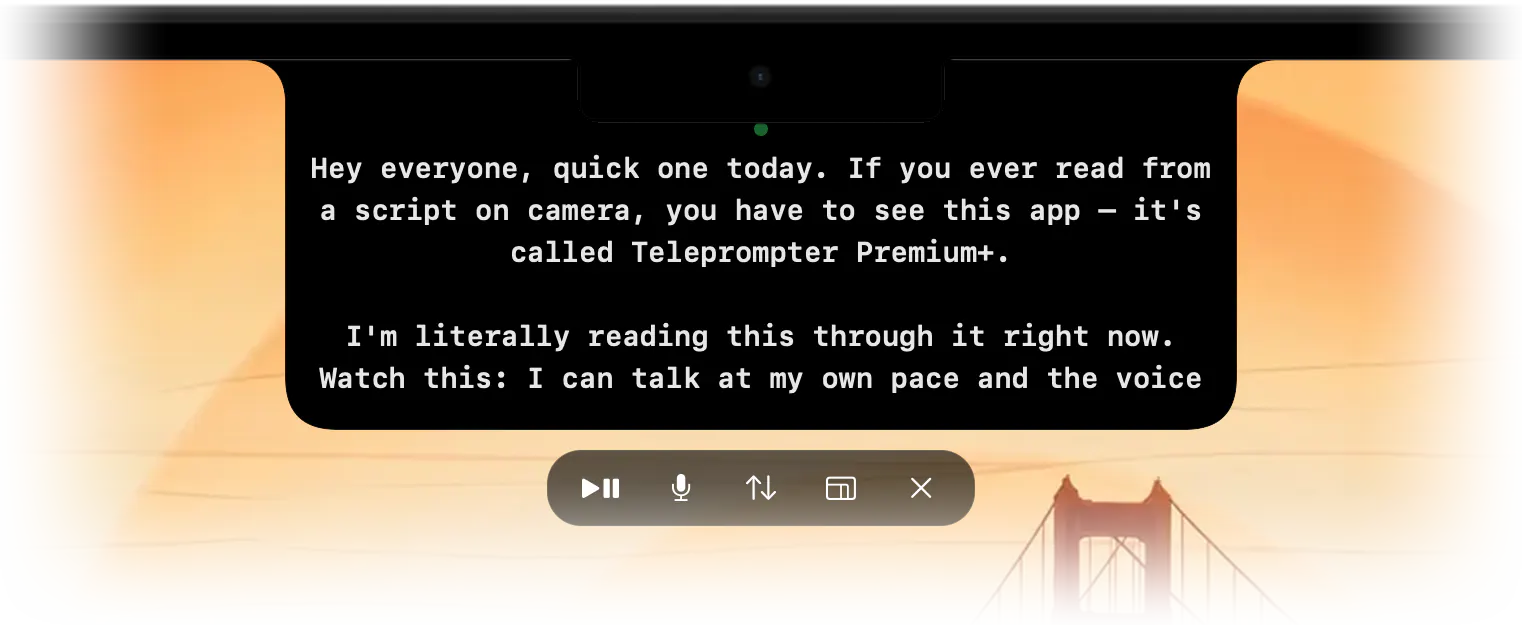
Ghost Mode keeps your script semi-transparent on top of Zoom, Meet, Teams, Keynote or OBS. Put it right under your webcam and nobody on the call sees it.
Made for calls and live streams
- Floats above your other windows.
- Semi-transparent, so you still see your audience underneath.
- Not part of your screen share when you share a single window.
- Control it from your iPhone so you never reach for the keyboard mid-sentence.
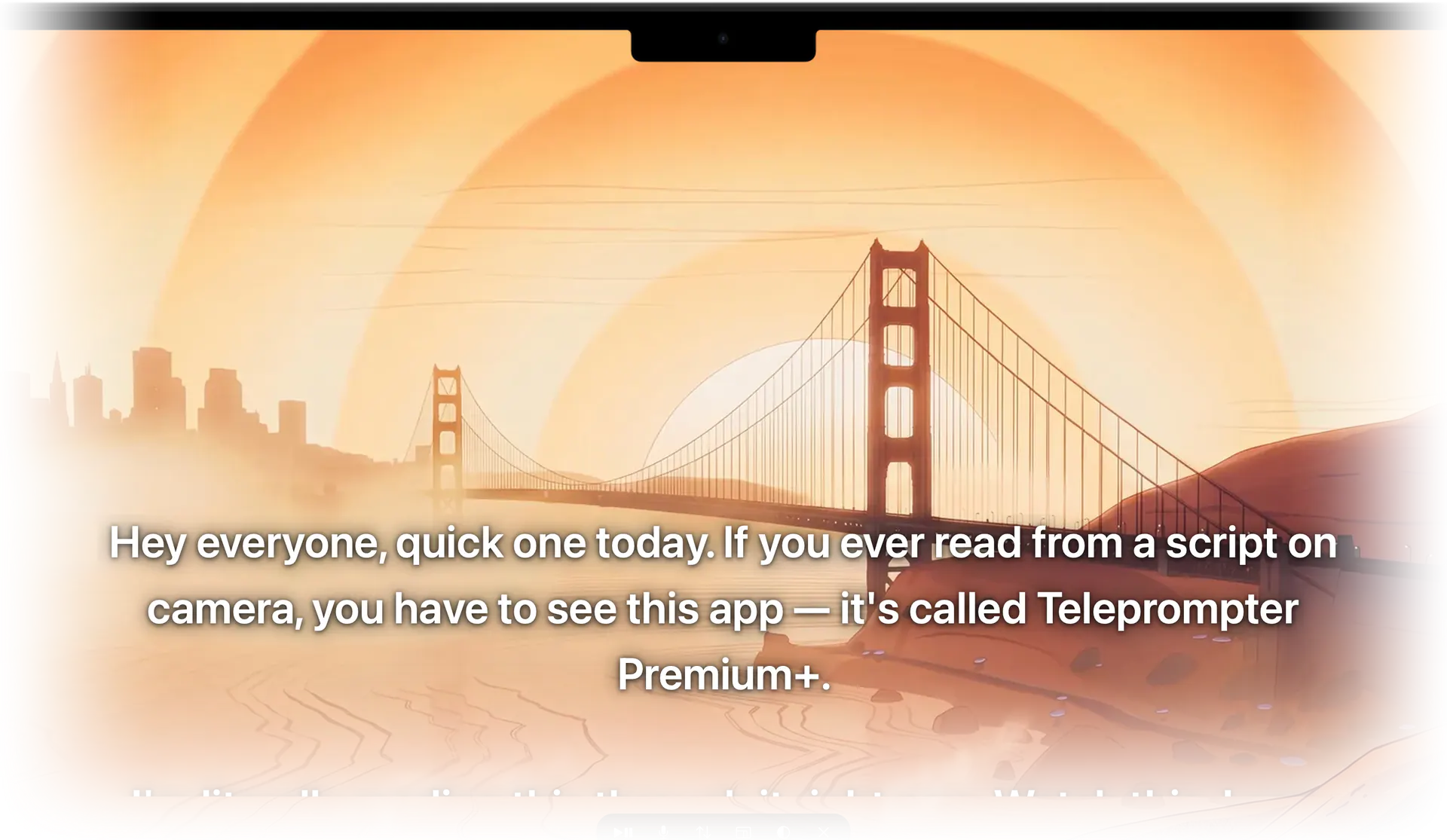
Placement tip
Drag the prompter to the top centre of the screen, right under the webcam. Keep it narrow: two or three words per line means your eyes barely move.

Stop memorizing.Start talking.Download Teleprompter Premium+ now.
No account, no ads. Your scripts stay in your iCloud.


Free to start · No account
Scan to get it
on your phone
Teleprompter Premium+ for iPhone, iPad, Mac, Apple Watch and Android
Frequently asked questions
- Will people on Zoom see the teleprompter?
- Not on your camera. If you share your entire screen they may; share a single window or application instead.