Teleprompter mirror mode that flips your script for beam-splitter glass
Mount your phone under the glass, turn on mirror mode, and your script reads the right way round through the beam-splitter while your eyes stay locked on the lens. Try reading in the free online teleprompter before you download.
A beam-splitter teleprompter works by reflecting your screen up onto a piece of angled glass in front of the lens. The catch: that reflection is mirror-flipped, so normal text shows up backwards and unreadable. Teleprompter mirror mode pre-flips every line horizontally, so once it bounces off the teleprompter glass it lands the right way round and you can simply read it.
Teleprompter Premium+ is a native Apple app for iPhone, iPad and Mac, and mirror mode is built right in. Flip the text with a single toggle, set your scroll speed, and read straight through the glass with your gaze on the lens instead of off to the side. The same flip also fixes front-camera selfie setups, where the preview is mirrored too.
Try it free in your browser
Open the free online teleprompter, paste a script, press play and set the speed. No download needed.
Why teleprompter glass needs mirrored text
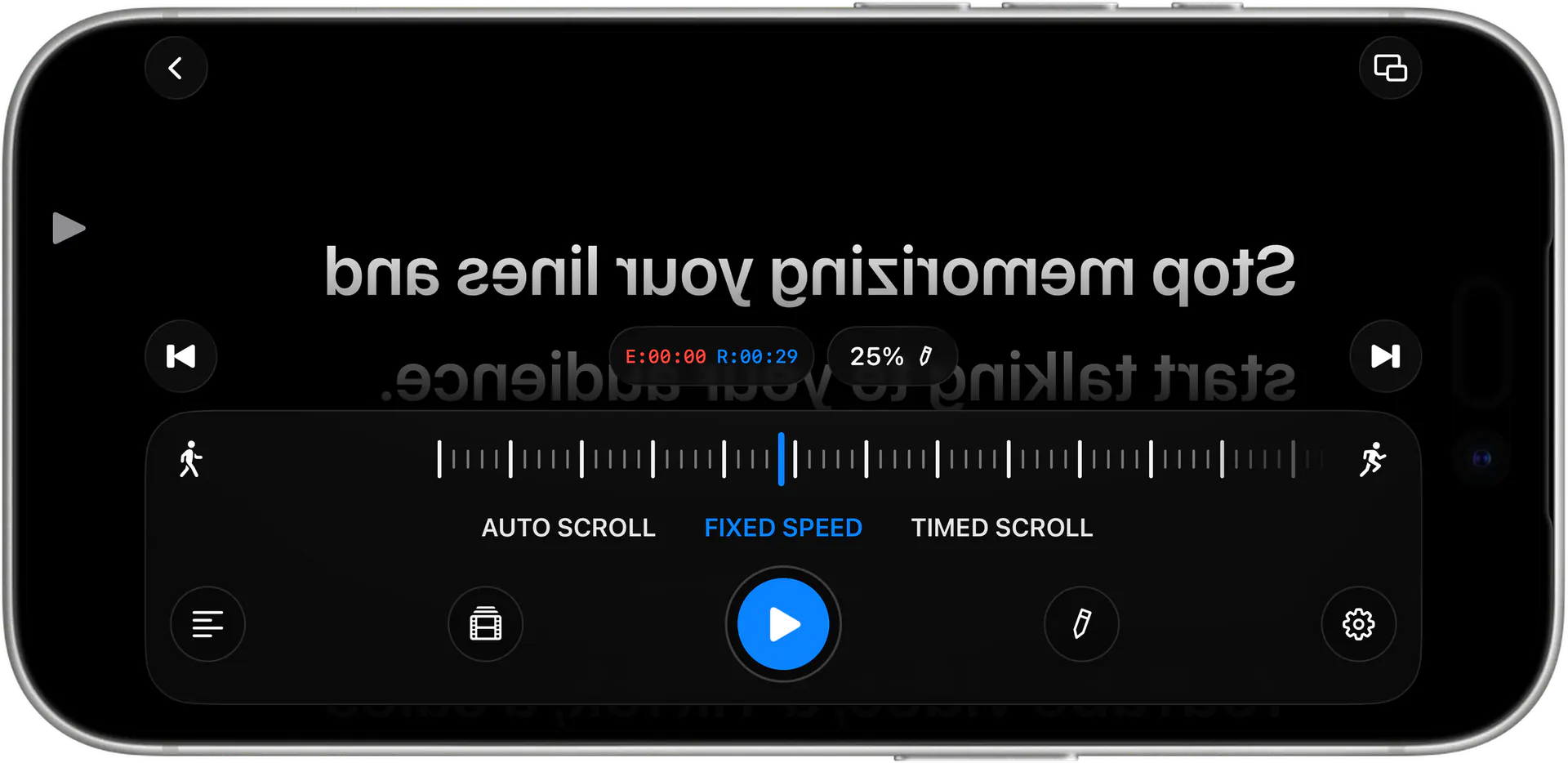
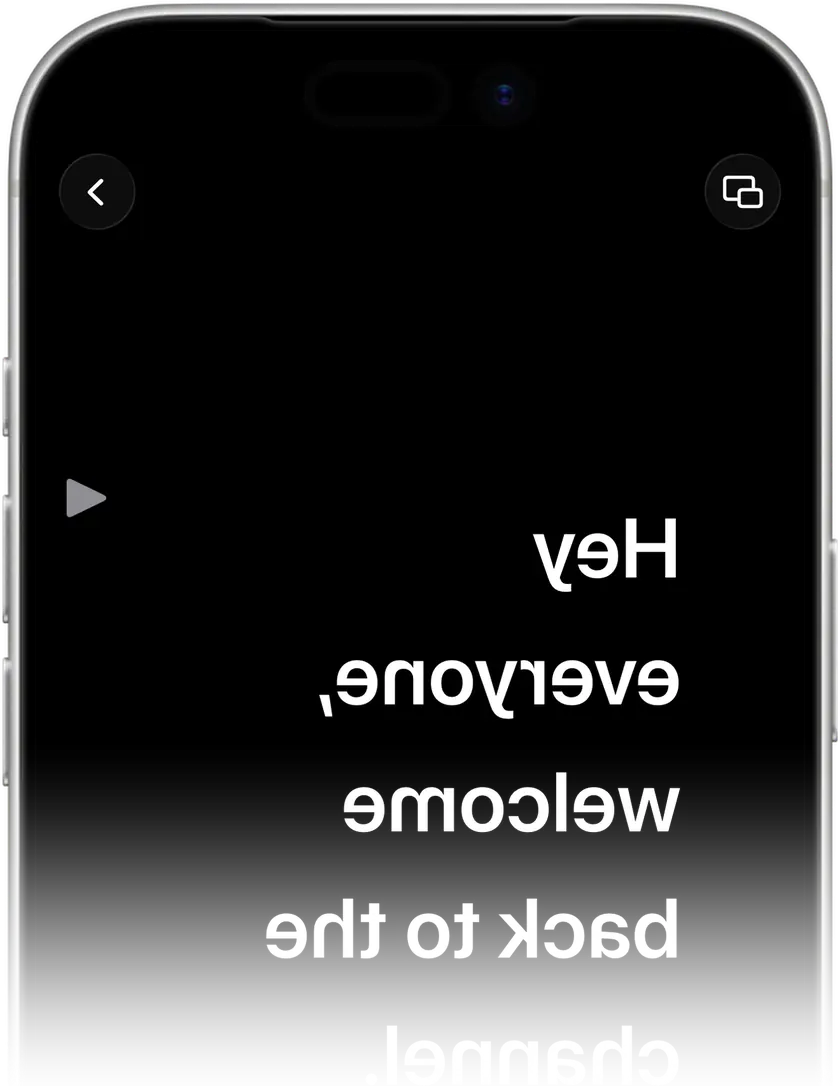
A beam-splitter rig sits your device flat below an angled pane of glass. The glass is half-mirror: the camera sees straight through it to you, while you see the screen's reflection floating right over the lens. Because a mirror reverses left and right, anything you put on screen normally appears reversed in that reflection — the letters run the wrong way and whole words read back to front.
Mirror mode solves it by flipping the text horizontally before it's displayed. The on-screen version looks reversed to your naked eye, but the reflection in the teleprompter glass reads completely normal. That's the whole trick behind every glass teleprompter, and it's why a dedicated teleprompter mirror toggle matters more than any other setting for this kind of hardware.
How mirror mode works in Teleprompter Premium+
Open your script, mount the device under your beam-splitter, and tap the mirror toggle. The text instantly flips so it reads correctly through the glass. From there, smooth auto-scroll keeps your lines moving at a pace you set, and the large adjustable type stays crisp in the reflection even from a step or two back. Nudge the speed up or down between takes until the rhythm matches how you actually talk.
Prefer not to use a hardware rig? The same flip powers front-camera and selfie recording, where the live preview is already mirrored. And if you'd rather skip glass entirely, the hands-free floating overlay sits your script directly over your camera or recording app — so your eyes still stay near the lens, no beam-splitter required.
Works across iPhone, iPad and Mac
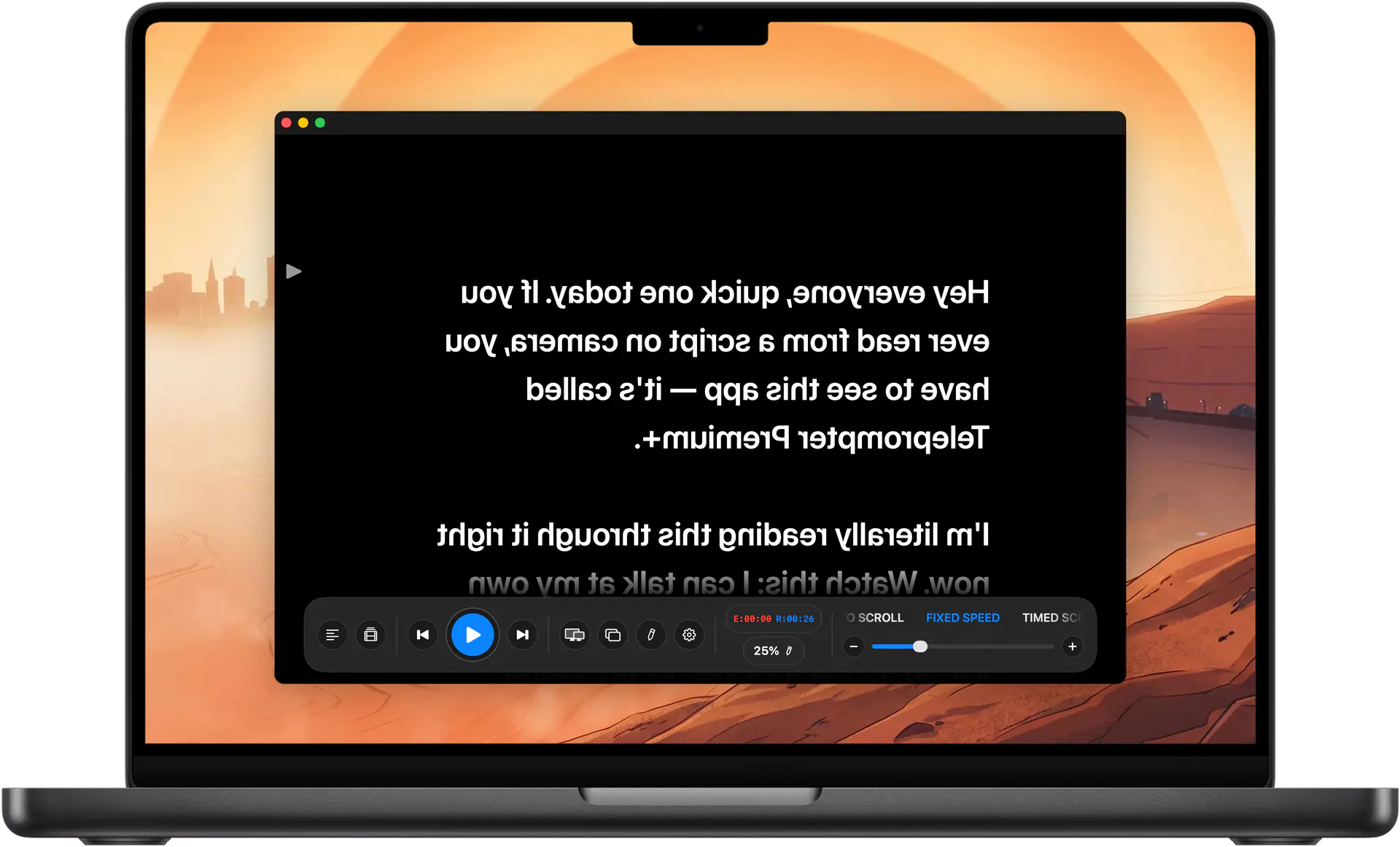
Teleprompter Premium+ is one universal app, so mirror mode behaves the same whether you drop an iPhone into a phone-sized teleprompter, slot an iPad into a larger studio rig, or run a Mac-mounted setup for desk shoots. Your scripts sync over iCloud, so a script you wrote on the Mac is ready to flip and read on the iPhone in your prompter.
Apple Watch can act as a remote, so you can start, pause and adjust scrolling without reaching past the glass and knocking your framing. It's a small thing that keeps a one-person shoot moving — you stay in position, eyes on the lens, and drive the prompter from your wrist.
From a shared link straight to mirrored reading
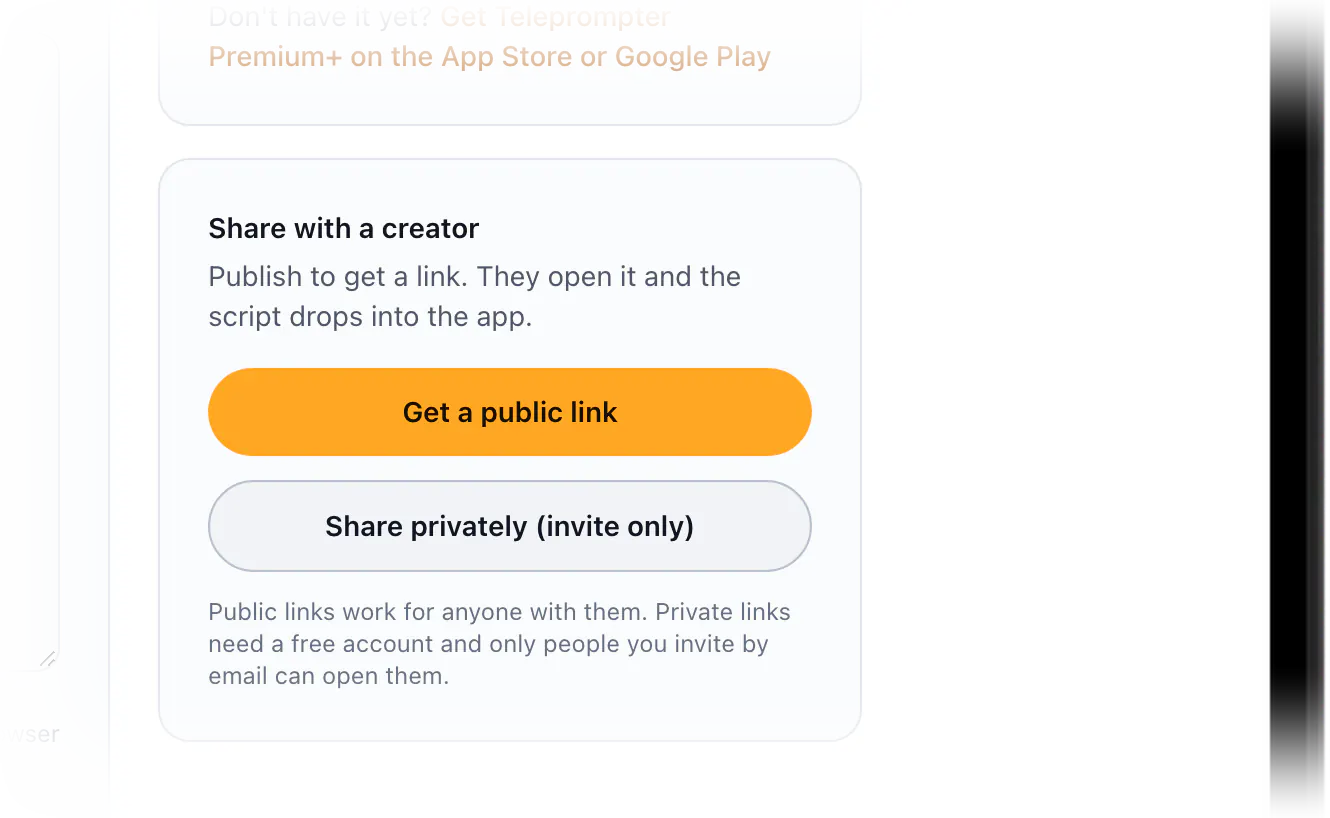
This site includes a free online teleprompter and script editor. A marketer or brand can write or paste a script in the browser, then share a single link. The creator opens that link, taps Open in the app, and the script lands in Teleprompter Premium+ with mirror mode and auto-scroll ready to go — no retyping, no copy-paste, no formatting cleanup.
Sharing can be public, so anyone with the link can open it, or private, where you invite specific people by email and they sign in to read it. If the creator isn't at their rig yet, they can read the script on the page first. It's a clean hand-off: brand writes the words, creator reads them the right way round through the glass.
Tips for a sharp mirrored read
Bump the font size up a notch more than feels necessary — a reflection through glass is slightly dimmer than your raw screen, so larger type stays legible. Start your scroll a touch slower than your natural speaking pace and ease it faster as you settle into the take; it's easier to catch up to text than to wait for it.
If you're combining mirror mode with voice-activated scrolling, the script follows your speech using on-device speech recognition, so it waits when you pause and moves when you talk — handy when you go off-book for a beat. And before you ever record, run your script through the AI script review to tighten wording for spoken delivery, so the lines you read off the glass actually sound natural out loud.
What you get
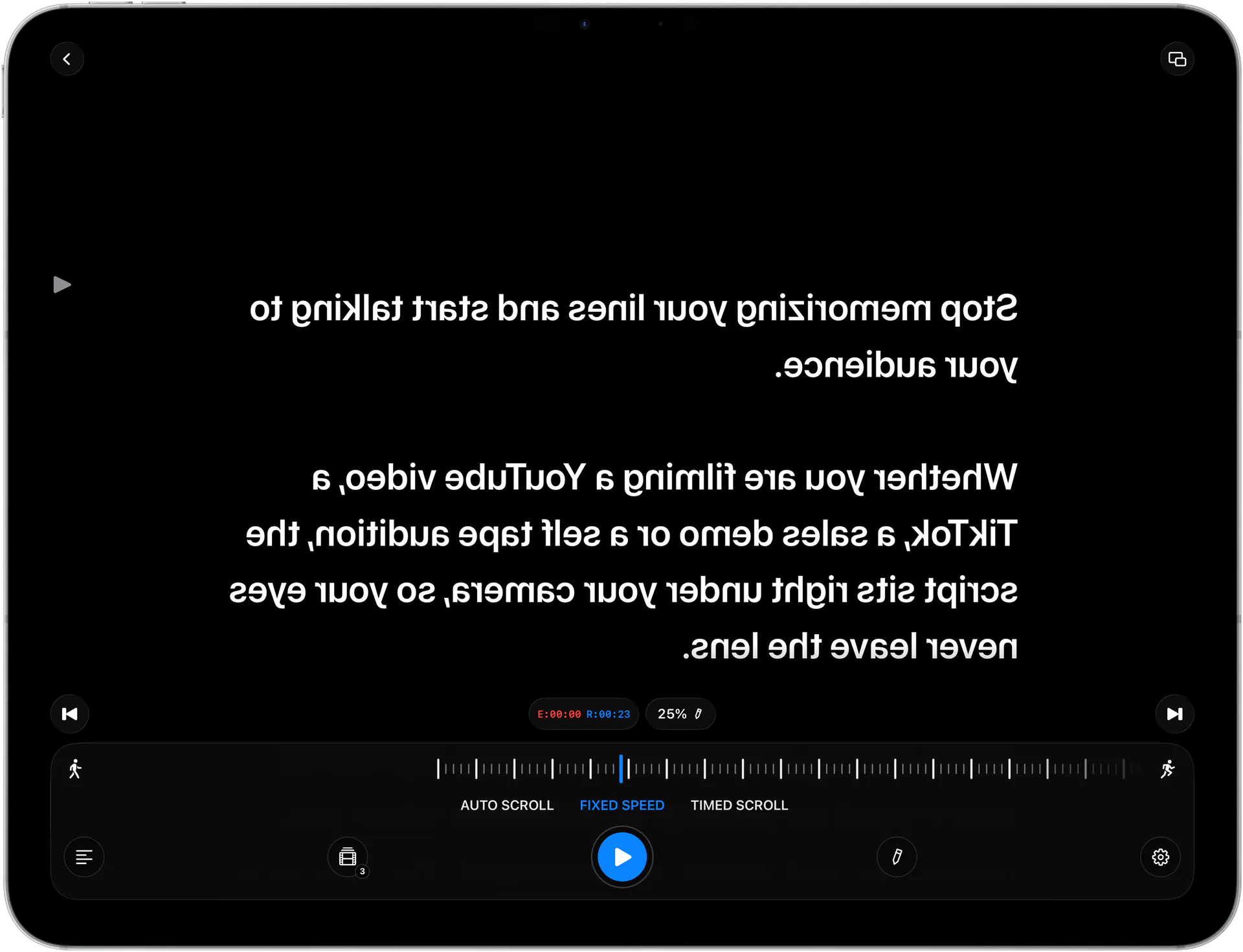
One-tap mirror mode
Flip your script horizontally so it reads correctly through beam-splitter teleprompter glass or on a mirrored front-camera setup.
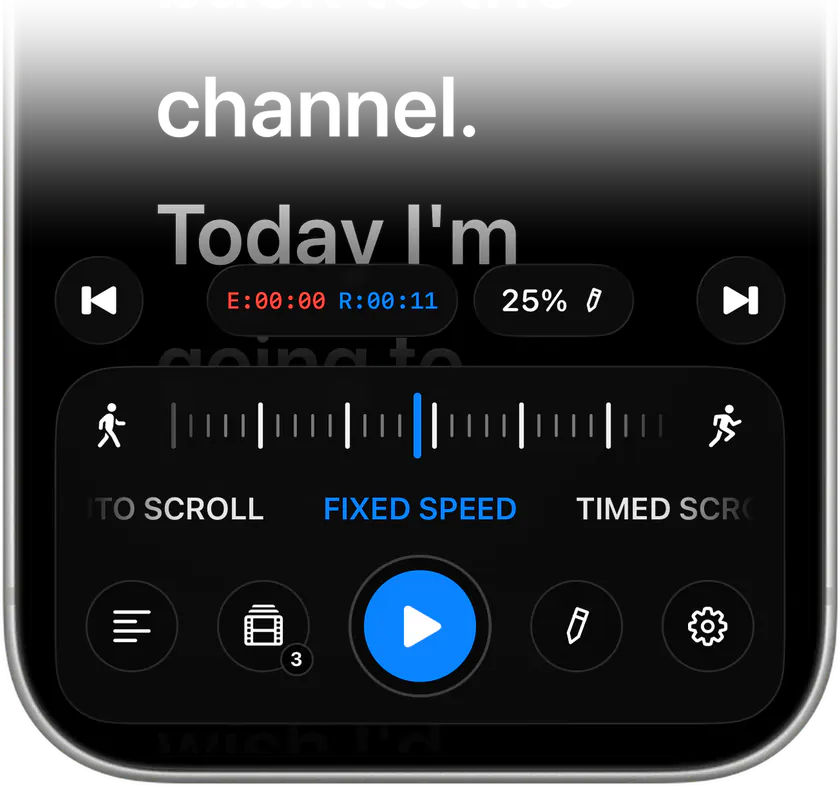
Smooth auto-scroll
Adjustable-speed scrolling keeps your lines moving at your natural pace, with large readable type that stays crisp in the glass reflection.
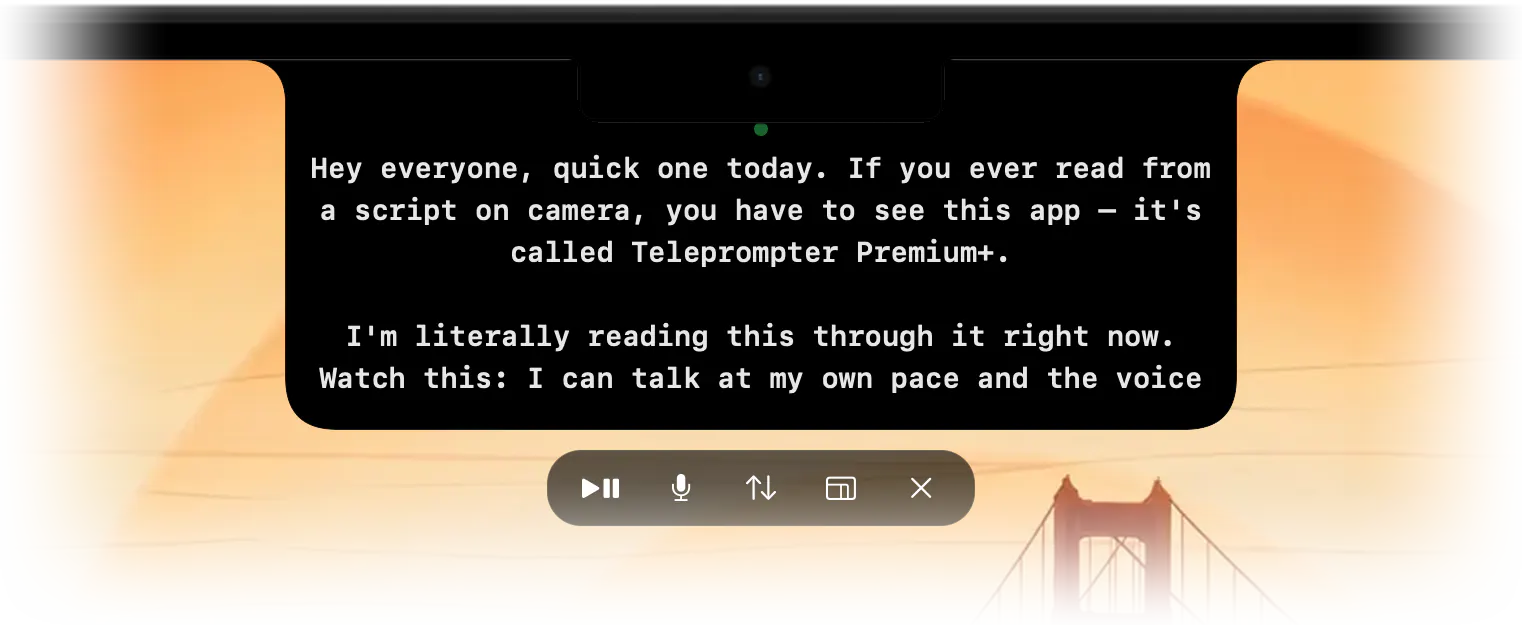
Hands-free floating overlay
No glass on hand? Float the prompter directly over your camera or recording app so your eyes stay near the lens without a beam-splitter.
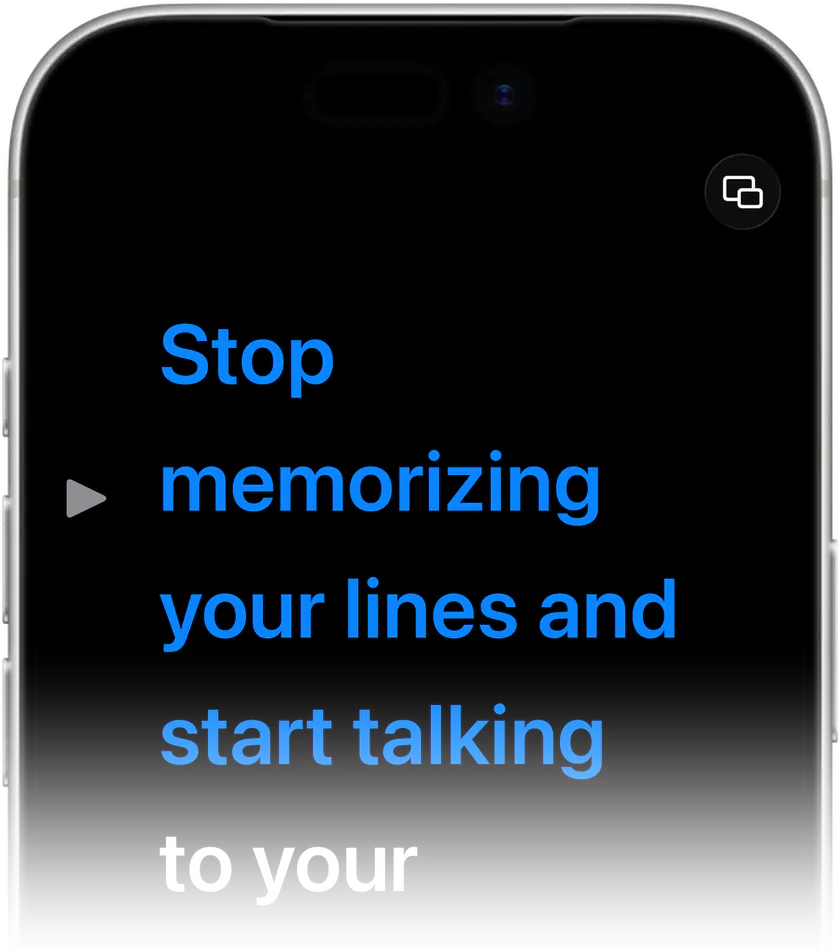
Voice-activated scrolling
On-device speech recognition follows your delivery, pausing when you pause and advancing as you speak — even when you read off the glass.
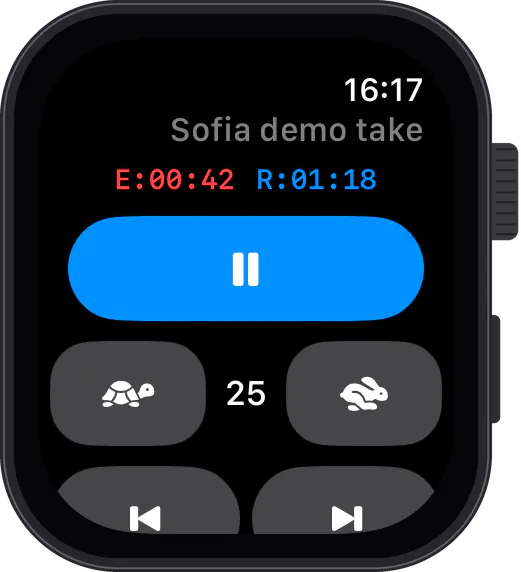
iCloud sync + Watch remote
Scripts sync across iPhone, iPad and Mac, and Apple Watch starts, pauses and adjusts scrolling so you never reach past the glass.
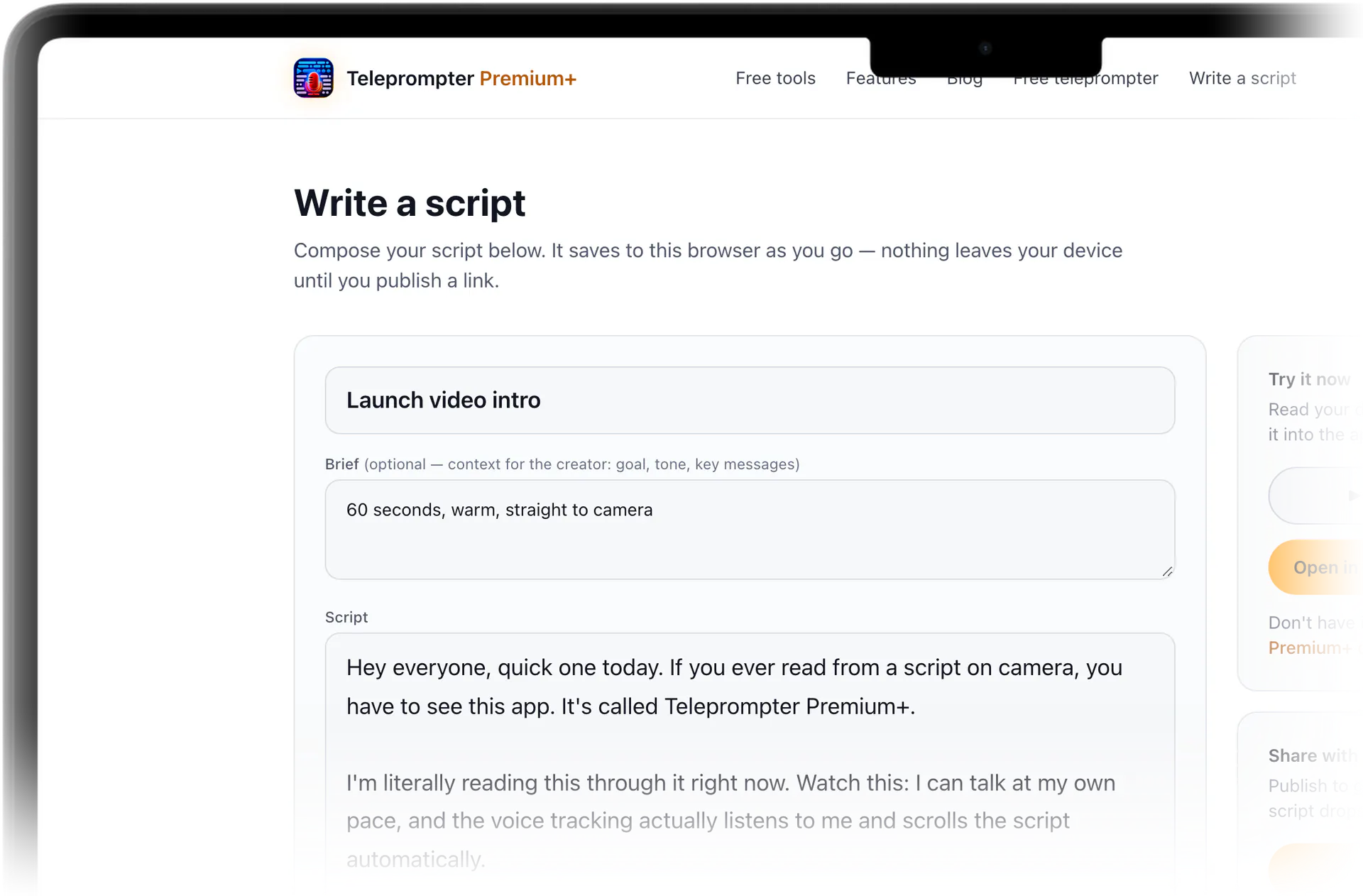
Share a script by link
Write online and send one link; the creator taps Open in the app and the script is ready to flip with mirror mode and read on camera.

Stop memorizing.Start talking.Download Teleprompter Premium+ now.
Test your pacing in the free online teleprompter, then flip the text in Teleprompter Premium+ and read straight through the glass.


Free to start · No account
Scan to get it
on your phone
Teleprompter Premium+ for iPhone, iPad, Mac, Apple Watch and Android
Frequently asked questions
- Why does my teleprompter text look backwards?
- A beam-splitter teleprompter reflects your screen off angled glass, and a mirror reverses left and right — so normal text appears flipped. Turning on mirror mode pre-flips the text, so the reflection in the glass reads correctly.
- Do I need a beam-splitter to use mirror mode?
- No. Mirror mode is essential for beam-splitter teleprompter glass, but it's also useful for front-camera and selfie recording, where the live preview is already mirrored. If you have no glass at all, the floating overlay sits your script over the camera instead.
- What is a beam-splitter and how is it different from a regular mirror?
- A beam-splitter is a special half-silvered glass that reflects your screen toward you while the camera sees straight through it to your face. That's how the script floats right over the lens. Because it reflects, it still mirrors the image — which is why you need mirror mode to flip the text.
- Does mirror mode work on iPhone, iPad and Mac?
- Yes. Teleprompter Premium+ is one universal app, and mirror mode works the same whether your device is in a phone-sized prompter, a larger iPad studio rig, or a Mac-mounted setup. Scripts sync over iCloud across all of them.
- Can I try mirror mode before downloading?
- Partly. Paste a script into the free online teleprompter on this site to test auto-scroll and speed in your browser before you install the app. The mirror flip for teleprompter glass lives in the app itself.
- How do I get a script onto my prompter without retyping it?
- Write or paste your script in the free online editor on this site and share one link. The recipient opens it, taps Open in the app, and the script lands in Teleprompter Premium+, ready to flip with mirror mode and read on camera. Links can be public or invite-only by email, and invited readers sign in first.