A Free Online Teleprompter You Can Use Right in Your Browser
Paste a script into the free online teleprompter, hit play, and read it right in your browser — no install required. Write it in the editor and share one link: your reader sees the script on the shared page and can tap through to the native app.
If you searched for an online teleprompter, you want to read a script on camera without buying hardware or learning new software. This site has exactly that: a free online teleprompter and script editor that run in your browser. Type or paste your words, set the scroll speed, and the text rolls smoothly down the screen while you talk. Nothing to download to get started.
It also fixes the part most tools ignore — the handoff. A brand or marketer can write a script here, then share a single link. The link opens a page with the script, where the creator can read it or tap Open in the app to load it into Teleprompter Premium+ on their iPhone, iPad, or Mac. One link, from draft to camera.
Try it free in your browser
Open the free online teleprompter, paste a script, press play and set the speed. No download needed.
How the online teleprompter works
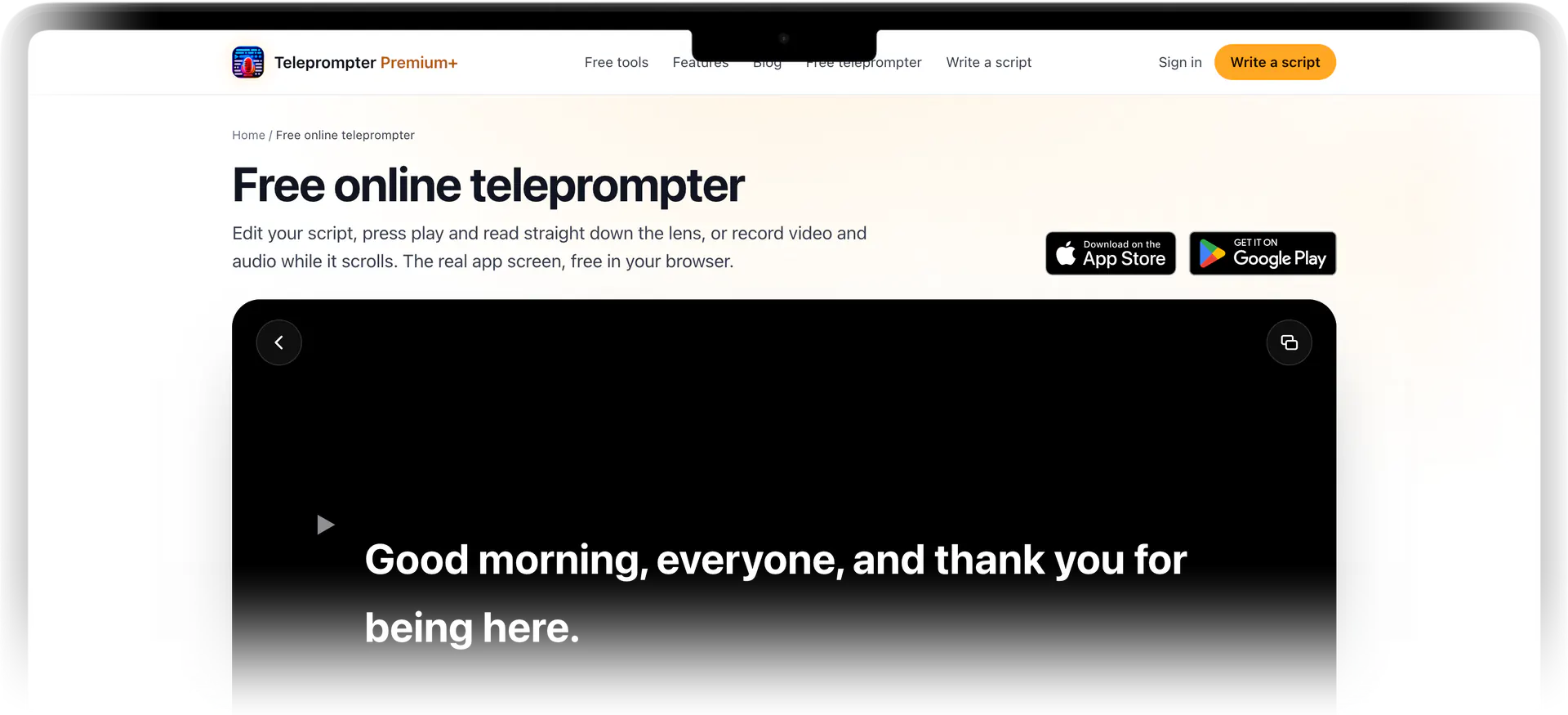
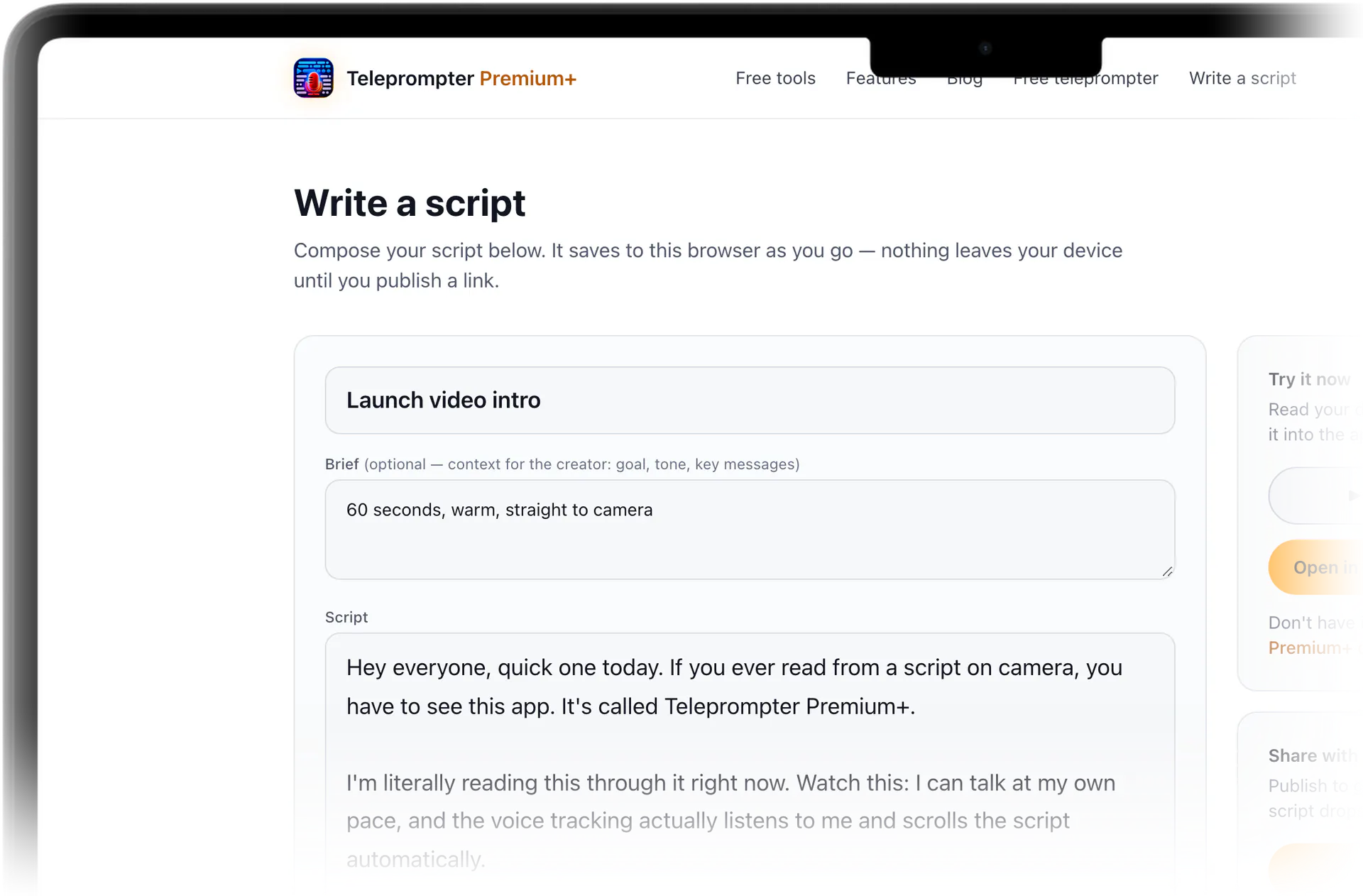
Open the editor in your browser and write your script, or paste one you already have. Your draft saves locally on your device as you work, so you can close the tab and pick it back up later — nothing is published until you choose to share it. When you're ready to read, one tap on Preview opens it in the browser teleprompter, ready to scroll.
In the browser, you control the setting that matters most on camera: scroll speed, so the pace matches how you talk. Press play, nudge the speed up or down, and rehearse your pacing before you download anything. Adjustable reading type, mirror mode for beam-splitter glass or a front-facing setup, and voice-activated scrolling come with the native app.
Try the free online teleprompter before you commit
It's a real, working teleprompter, one tap away from this page. Paste any block of text into it, press play and watch the auto-scroll move, and bump the speed up and down until the pace matches how you talk. It's the fastest way to feel out whether teleprompted delivery works for you.
Because it runs in your browser, there's nothing standing between you and a quick test — no install required. If it feels right, the native app gives you the heavier features — a floating overlay over your camera, voice-activated scrolling, mirror mode, and iCloud sync — but the browser version is genuinely usable on its own for a quick take.
Share one link from writer to reader
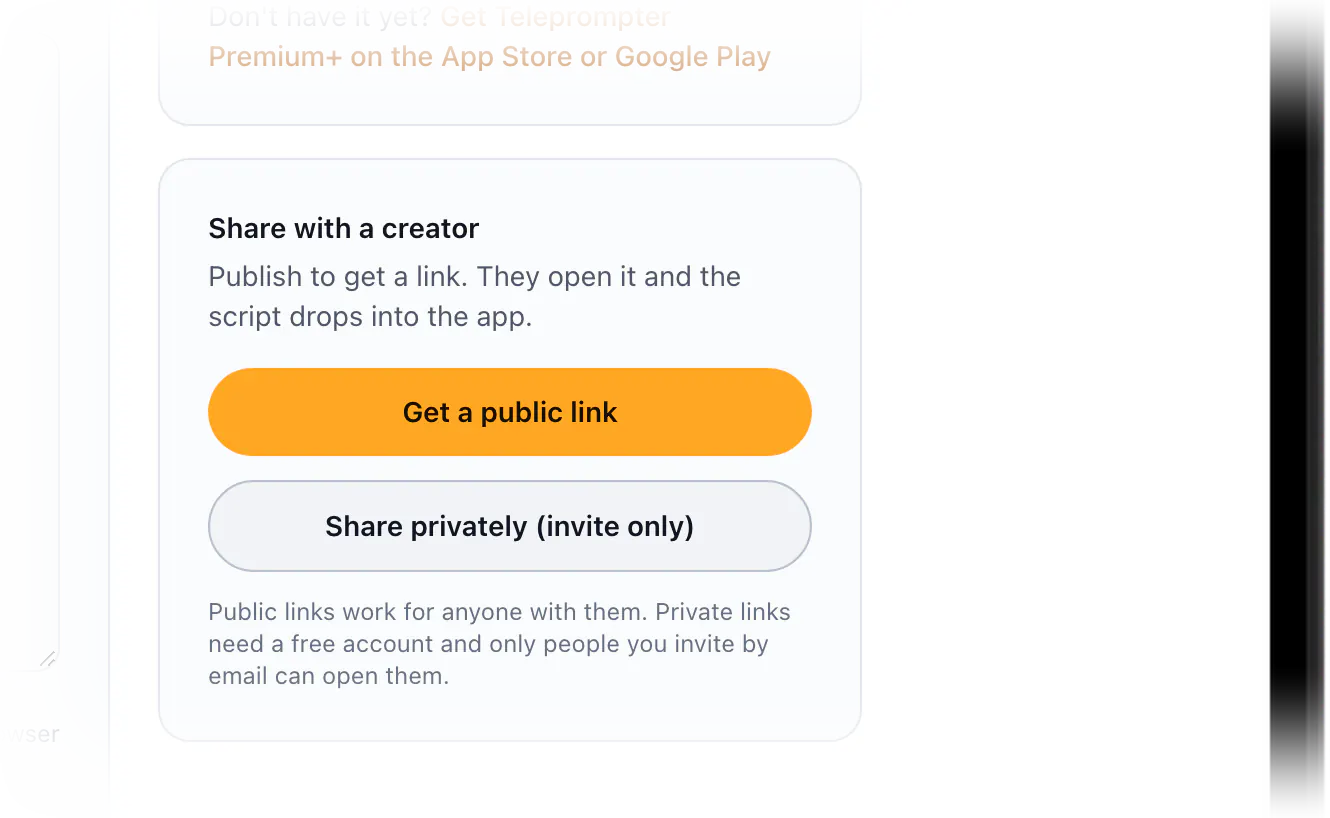
This is the part built for teams. A marketer writes and polishes a script in the online editor, then publishes it as a single shareable link. The creator who receives it doesn't need the writer's account, a copy-paste, or a matching app version — they open the link, read the script in their browser, and move it into the app on their own device when they're ready to record.
You decide who can see it. Sharing can be public, so anyone with the link can open and read the script, or private, where you invite specific people by email. That makes it clean for an agency briefing one influencer privately, or for dropping a public read-along link into a campaign brief.
From the browser to the native Apple app
The online teleprompter is the front door; the native Teleprompter Premium+ app is the full studio. It's one universal app for iPhone, iPad, and Mac, and your scripts sync across all of them through iCloud, so a script you started on a laptop is waiting on your phone. An Apple Watch can even act as a remote to start, stop, and pace your scroll hands-free.
On device you get the things a browser tab can't easily do: a hands-free floating overlay that sits over your camera or recording app while you film, voice-activated scrolling that follows your speech using on-device speech recognition, and an AI script review that tightens your wording for spoken delivery. Start free in the browser, then move to the app when you want to record for real.
Tips for reading well on camera
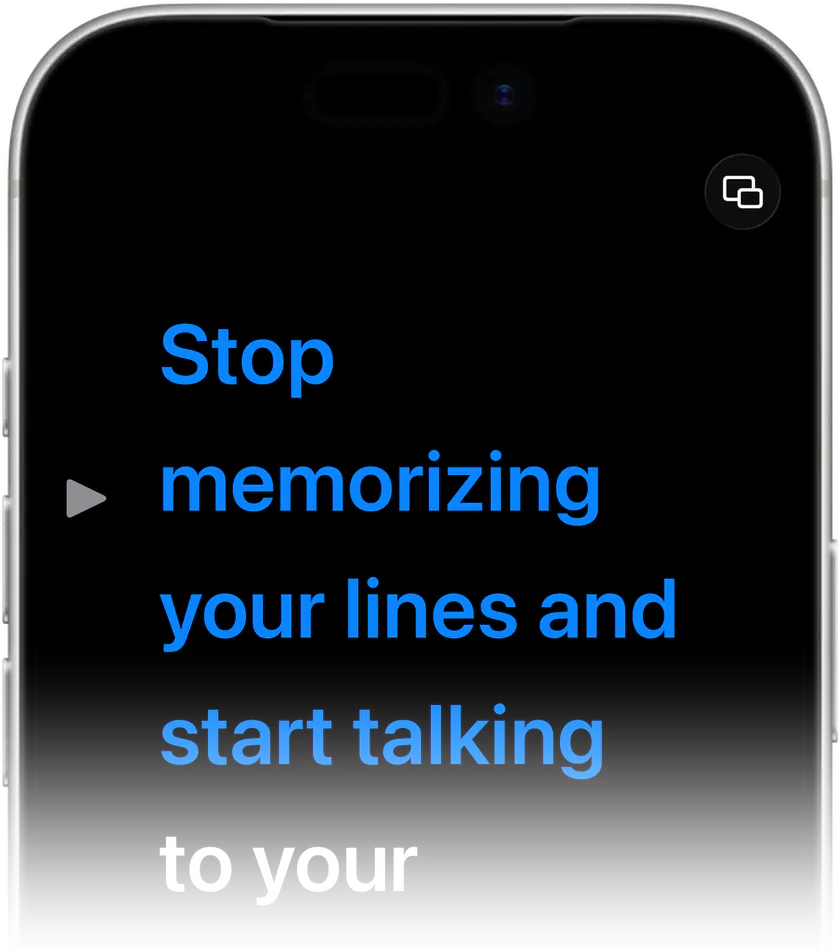
Write the way you talk. Short sentences, contractions, and one idea per line scroll better and sound more natural than dense paragraphs — the AI script review in the app is built to nudge wording in that direction. Then set the scroll speed slightly slower than feels comfortable at first; it's easier to catch up than to fight a script that's getting ahead of you.
Position the reading text as close to your lens as you can so your eyeline stays on camera, and bump the type size up until you can read it at your real shooting distance. If you're using teleprompter glass or recording a mirror-style setup, turn on mirror mode in the app so the reversed text reads correctly through the beam splitter.
What you get
Free online teleprompter
A real, working teleprompter one tap from this page. Paste your text, press play and watch it auto-scroll at the speed you set — no download needed to start reading.
Write or paste, saved locally
Draft your script in the browser editor or paste one in. It saves on your device as you go and stays unpublished until you decide to share it.
Share by one link
Publish a script as a single link. Readers get the script on a web page and can hand it to the native app with a tap — no account swap or copy-paste.
Public or private sharing
Make a link public for anyone who has it, or keep it private by inviting specific people by email. Built for brand-to-creator handoffs.
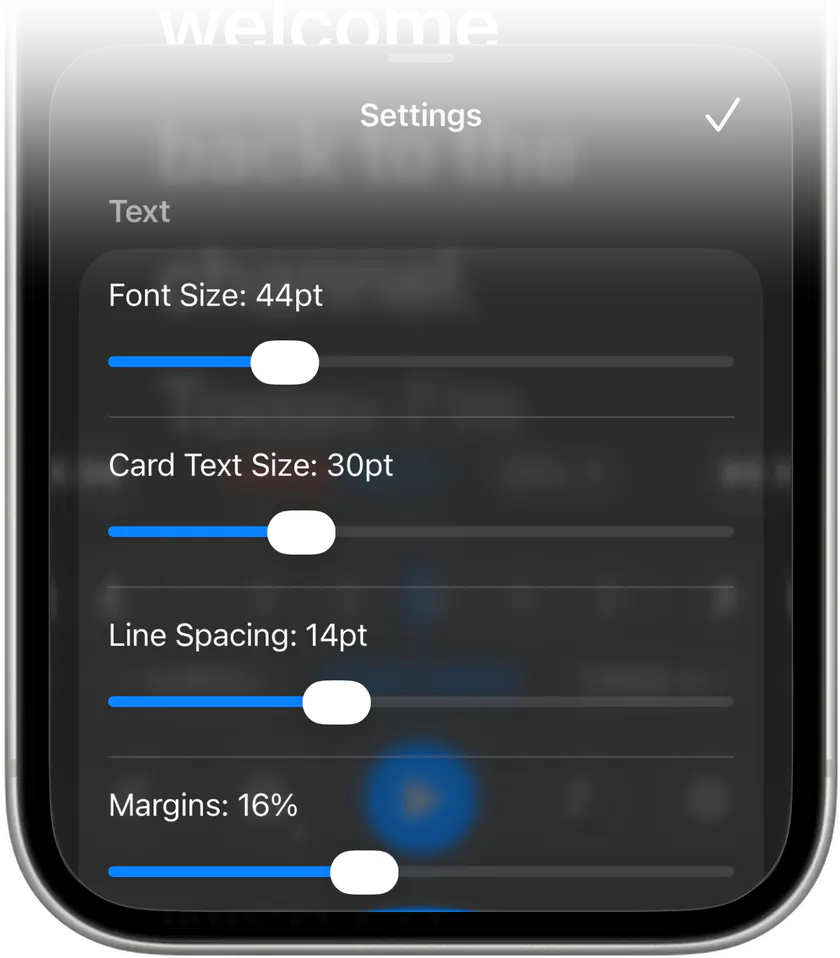
Mirror mode and adjustable type in the app
In the native app, flip text for beam-splitter glass or front-camera setups, and size the reading type up so it's legible from your real shooting distance.
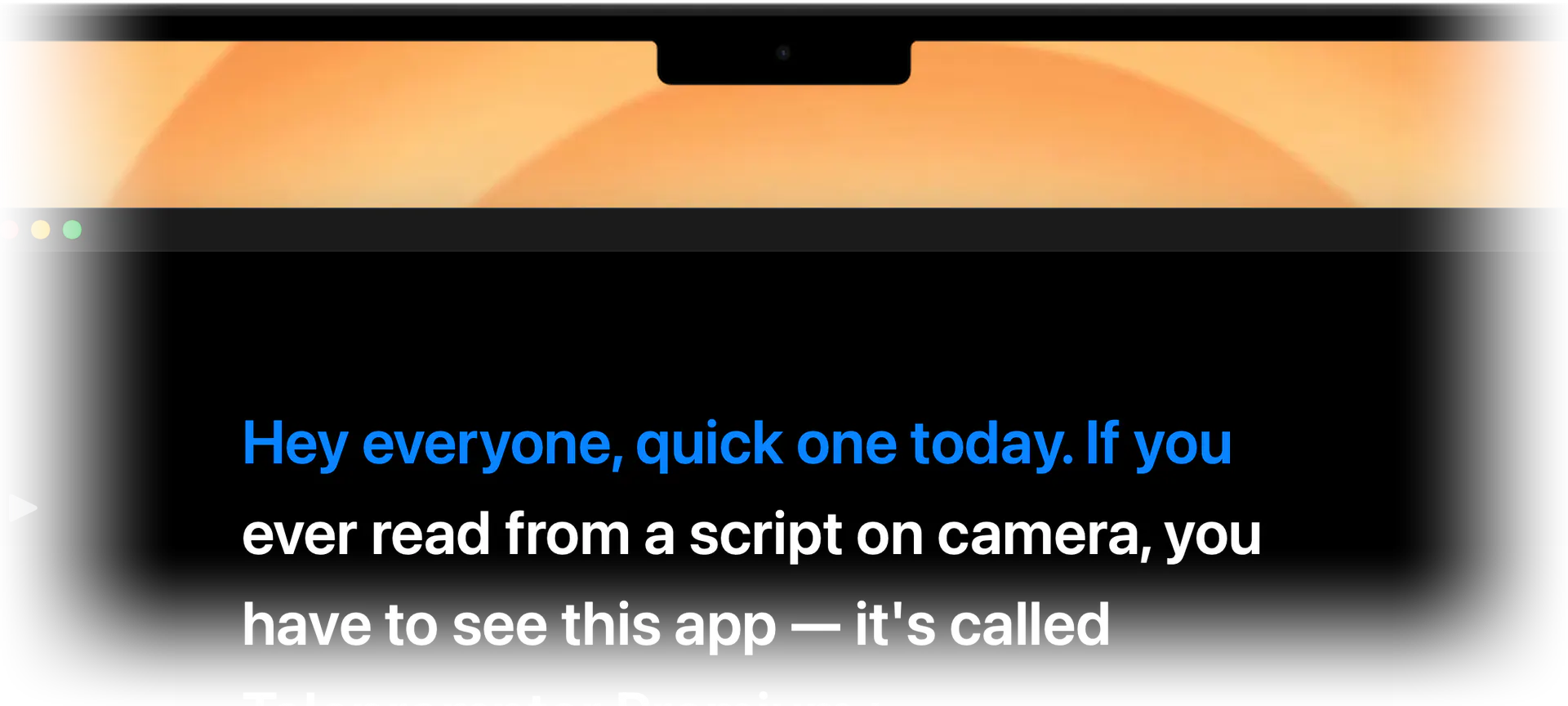
Native app when you need more
Move to the iPhone, iPad, and Mac app for a floating camera overlay, voice-activated scrolling, an AI script review, and iCloud sync across devices.

Stop memorizing.Start talking.Download Teleprompter Premium+ now.
Paste a script into the free online teleprompter and start reading right now — then download Teleprompter Premium+ to record with the full studio.


Free to start · No account
Scan to get it
on your phone
Teleprompter Premium+ for iPhone, iPad, Mac, Apple Watch and Android
Frequently asked questions
- Is this online teleprompter free?
- Yes, it's free to start. You can write or paste a script into the teleprompter on this site and adjust the scroll speed without installing anything. The native Teleprompter Premium+ app adds features like the camera overlay, voice-activated scrolling, and mirror mode when you want them.
- Do I need to download an app to use it?
- No. The teleprompter on this site runs right in your browser, so you can paste text and read it without a download. If you want to record with a floating overlay over your camera, voice-following scroll, or sync across devices, that's where the native iPhone, iPad, and Mac app comes in.
- Can I share a script with someone else to read?
- Yes — that's the core of it. Write a script in the online editor, publish it, and share one link. Whoever receives it gets a page with the full script and an Open in the app button for Teleprompter Premium+ on their own device. No shared account or copy-paste needed.
- What's the difference between public and private sharing?
- A public link can be opened and read by anyone who has it, which is handy for a campaign brief or a read-along you don't mind circulating. A private share lets you invite specific people by email, so only those readers can open the script — useful for briefing one creator at a time.
- Does the online teleprompter have a mirror mode?
- Not in the browser. Mirror mode is in the native Teleprompter Premium+ app: it flips the text horizontally, so it reads correctly through beam-splitter teleprompter glass or in front-camera setups. The browser teleprompter on this site handles play and speed, so you can try your pacing there before you decide how to film.
- Will my script work in the native app too?
- Yes. A script shared by link can be opened straight inside the native Teleprompter Premium+ app from its page, and scripts you create in the app sync across your iPhone, iPad, and Mac through iCloud. You can start in the browser and continue on whichever Apple device you record with.