A native PromptSmart alternative for iPhone, iPad and Mac
If you came to PromptSmart for voice-tracking scroll, Teleprompter Premium+ gives you that plus a floating overlay, mirror mode and one universal Apple app. Try reading in the free online teleprompter on this site before you download.
Most people searching for a PromptSmart alternative want one specific thing: a prompter that follows their voice instead of scrolling on a fixed timer. Teleprompter Premium+ does exactly that with on-device speech recognition, so the text moves at your pace, pauses when you pause, and waits if you go off-script. No more racing a scroll bar or re-shooting because the words got ahead of you.
It is also a single native app for iPhone, iPad and Mac, with Apple Watch as a remote and iCloud sync tying it all together. You get a hands-free floating overlay that sits over your camera, true mirror mode for beam-splitter glass, an AI script review that tightens your wording for spoken delivery, and a free online editor that lets a marketer write a script and hand it to a creator with one link.
Try it free in your browser
Open the free online teleprompter, paste a script, press play and set the speed. No download needed.
Why look for a PromptSmart alternative?
People usually switch teleprompter tools for one of a few reasons: they want voice-following scroll that genuinely keeps up with natural speech, they want the same prompter on every Apple device instead of separate apps, or they want a clean way to send a script to someone else to read on camera. Teleprompter Premium+ was built around all three.
Rather than make claims about another tool's features or plans, this page focuses on what Teleprompter Premium+ actually does so you can judge the fit yourself. The fastest way to decide is the free online teleprompter on this site: paste your own script, press play, set the speed and see how it reads before you install anything.
Voice-activated scrolling that follows your speech
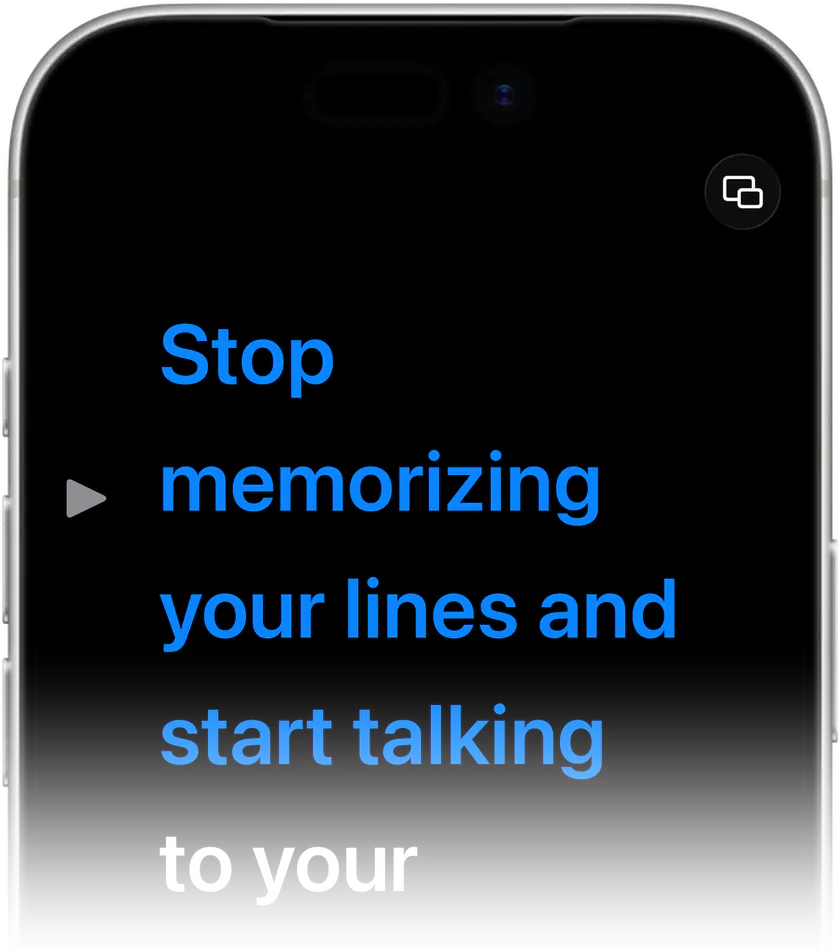
The headline reason to consider this PromptSmart alternative is voice-follow scrolling. Teleprompter Premium+ uses on-device speech recognition to track the words you say and advance the script to match. Slow down for emphasis and it slows with you; pause to breathe and it holds; the line you are reading stays where your eyes expect it.
Because the speech recognition runs on-device, you are not tied to a constant network connection just to read your own script. If you prefer a steady pace instead, classic auto-scroll is still there with fully adjustable speed and large, adjustable reading type so the words are easy to catch at arm's length.
One native app across iPhone, iPad and Mac
Teleprompter Premium+ is a single universal Apple app rather than separate downloads per device. Write or rehearse on your Mac, then record with the iPhone in front of you, and your scripts follow through iCloud sync. Apple Watch can act as a remote so you can start, stop and adjust speed without reaching for the screen mid-take.
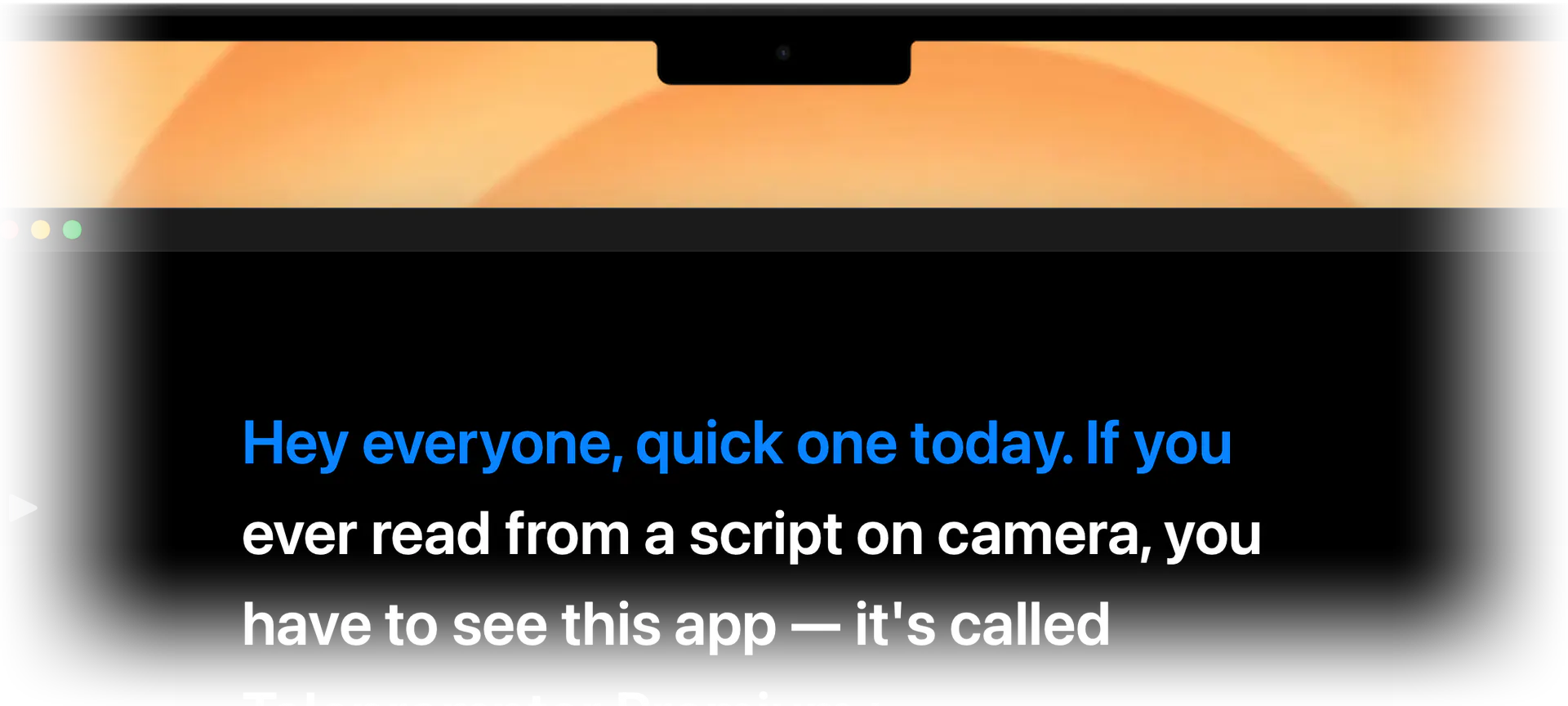
For real recording setups, mirror mode flips the text horizontally so it reads correctly through beam-splitter teleprompter glass or in front-camera arrangements. And the hands-free floating overlay sits on top of your camera or recording app, so you can read while you film in the same view instead of juggling windows.
Share a script by link: the brand-to-creator handoff
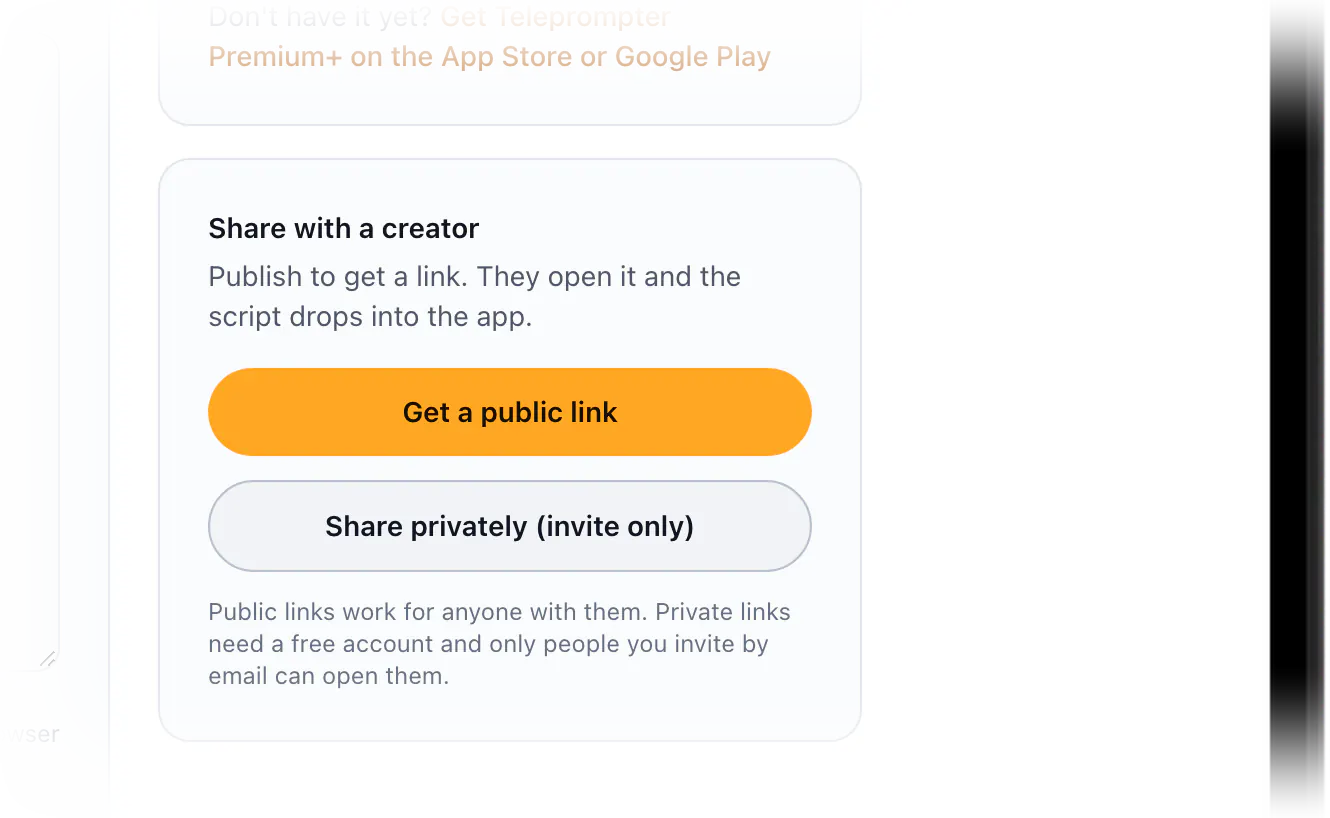
Teleprompter Premium+ also includes a free online teleprompter and script editor on this site. Write or paste a script in your browser and it saves locally until you publish. When you publish, you get one link to share: the recipient can read the script on the page with no install required, or open it straight inside the app.
That makes the brand-to-creator workflow simple. A marketer drafts the on-camera script, sends a single link, and the creator opens it in the app on their phone to read with smooth scrolling and mirror mode. Sharing can be public, so anyone with the link can read it, or private, where you invite specific people by email.
Tips for switching your scripts over
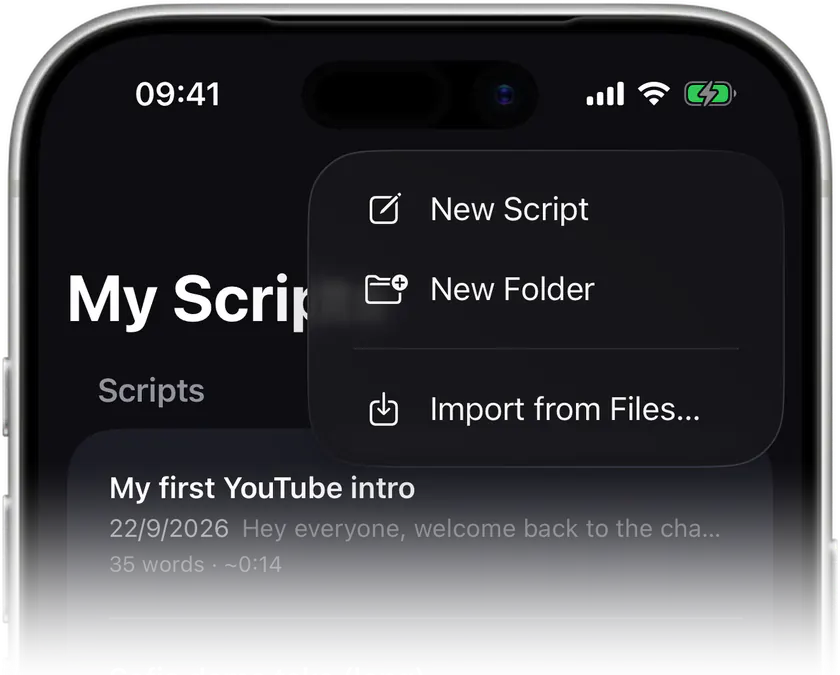
Moving from another teleprompter is mostly copy and paste. Bring your existing scripts into the free online editor or the app, bump up the reading type size until a line is comfortable at your filming distance, and do one dry run with voice-follow on so the app learns your cadence.
Before a real shoot, run the AI script review to tighten any wording that reads well on paper but stumbles when spoken aloud. Then pick your scroll mode for the take: voice-follow when timing is unpredictable, or steady auto-scroll when you want a consistent pace for a tight edit.
What you get
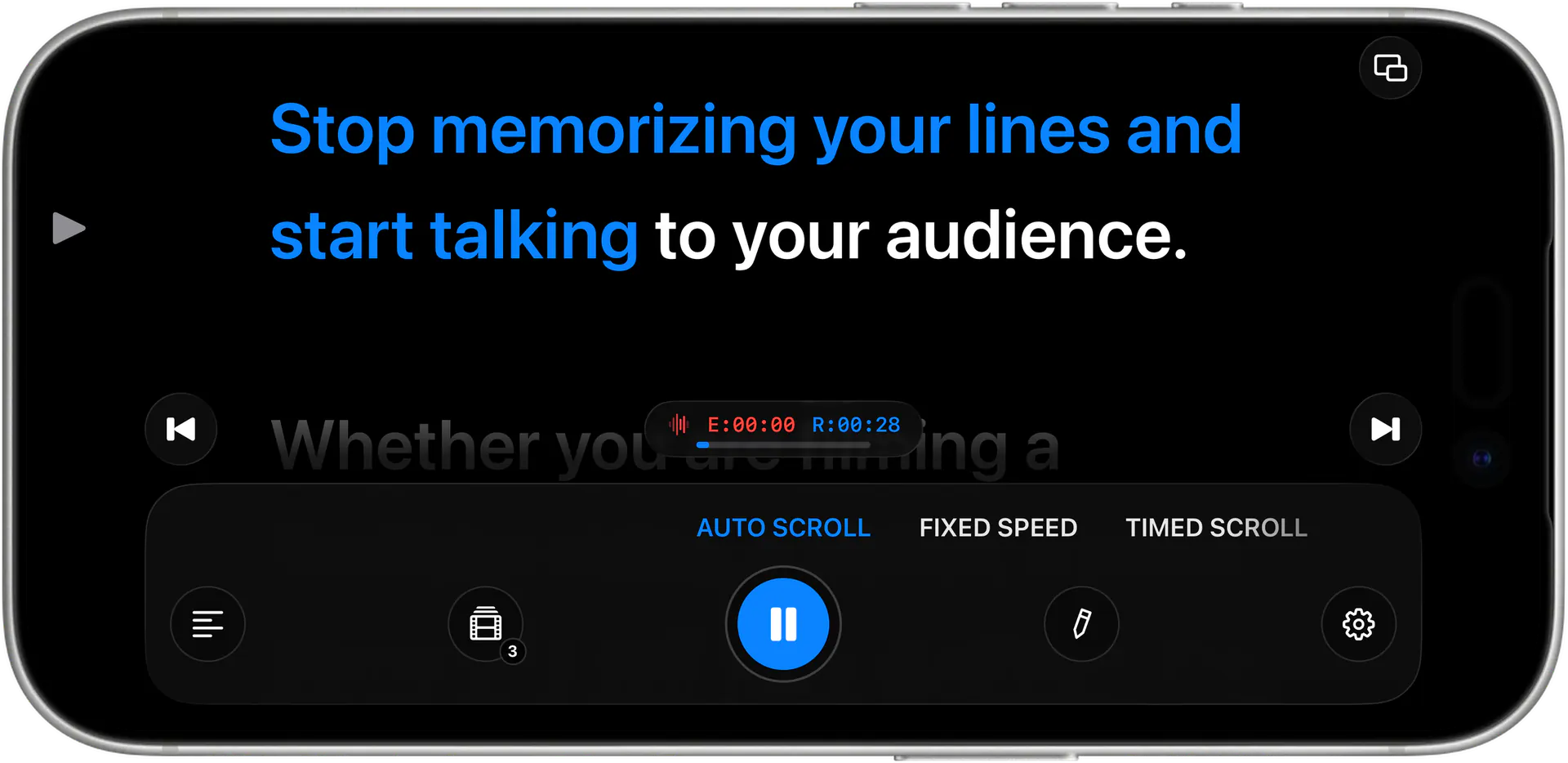
Voice-follow scrolling
On-device speech recognition tracks what you say and advances the script to match, pausing and slowing exactly when you do.
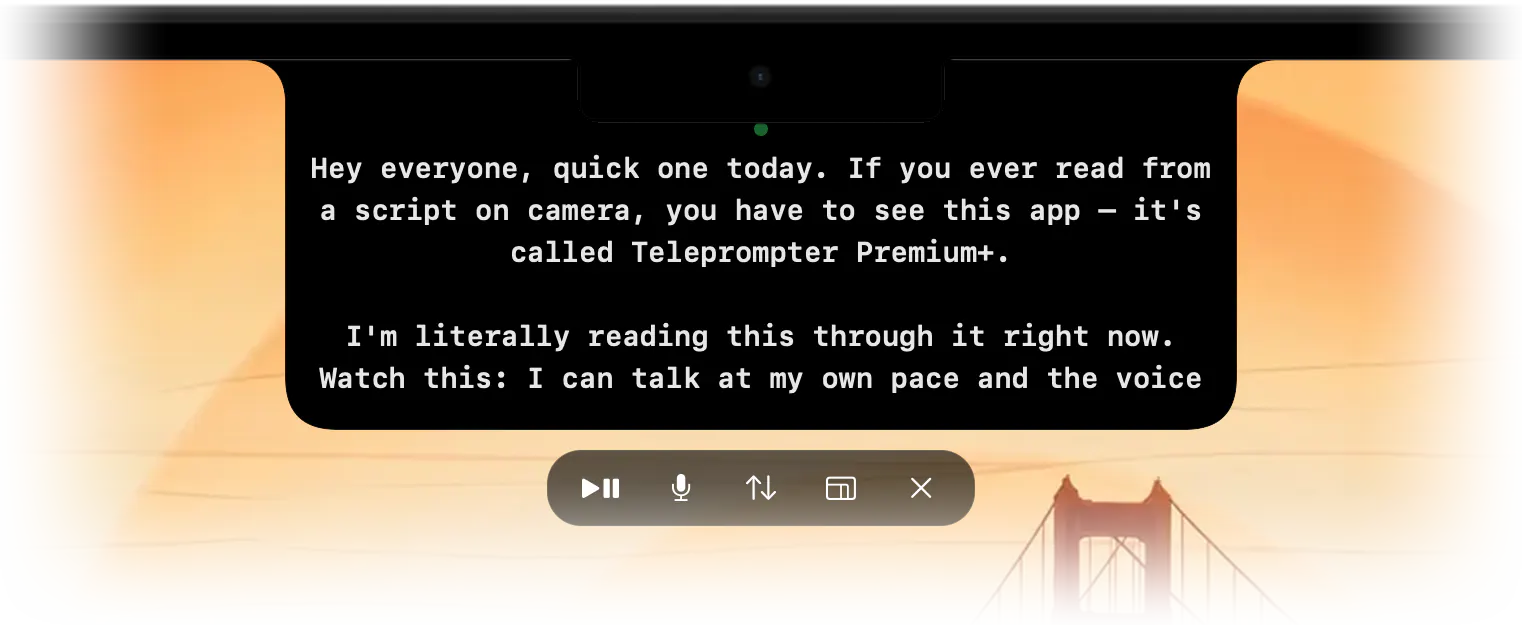
Hands-free floating overlay
A prompter that sits over your camera or recording app, so you read and film in the same view without switching windows.
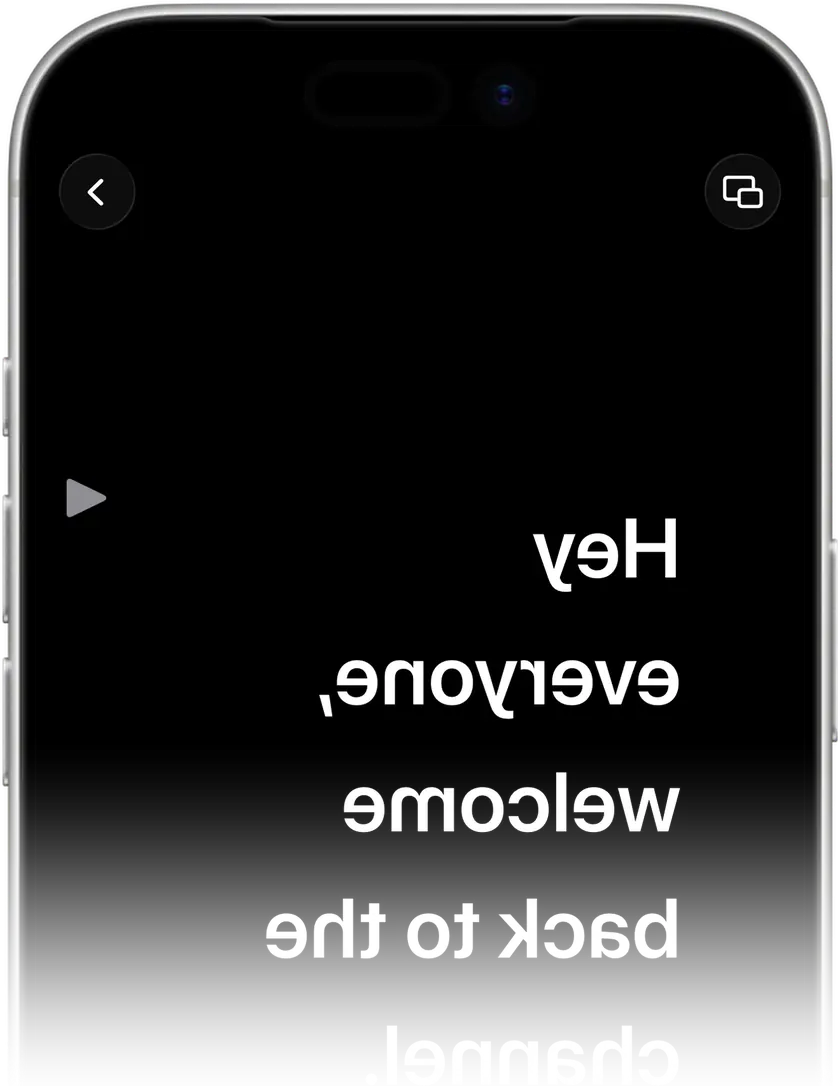
True mirror mode
Flips text horizontally for beam-splitter teleprompter glass and front-camera setups, so it reads correctly through the rig.
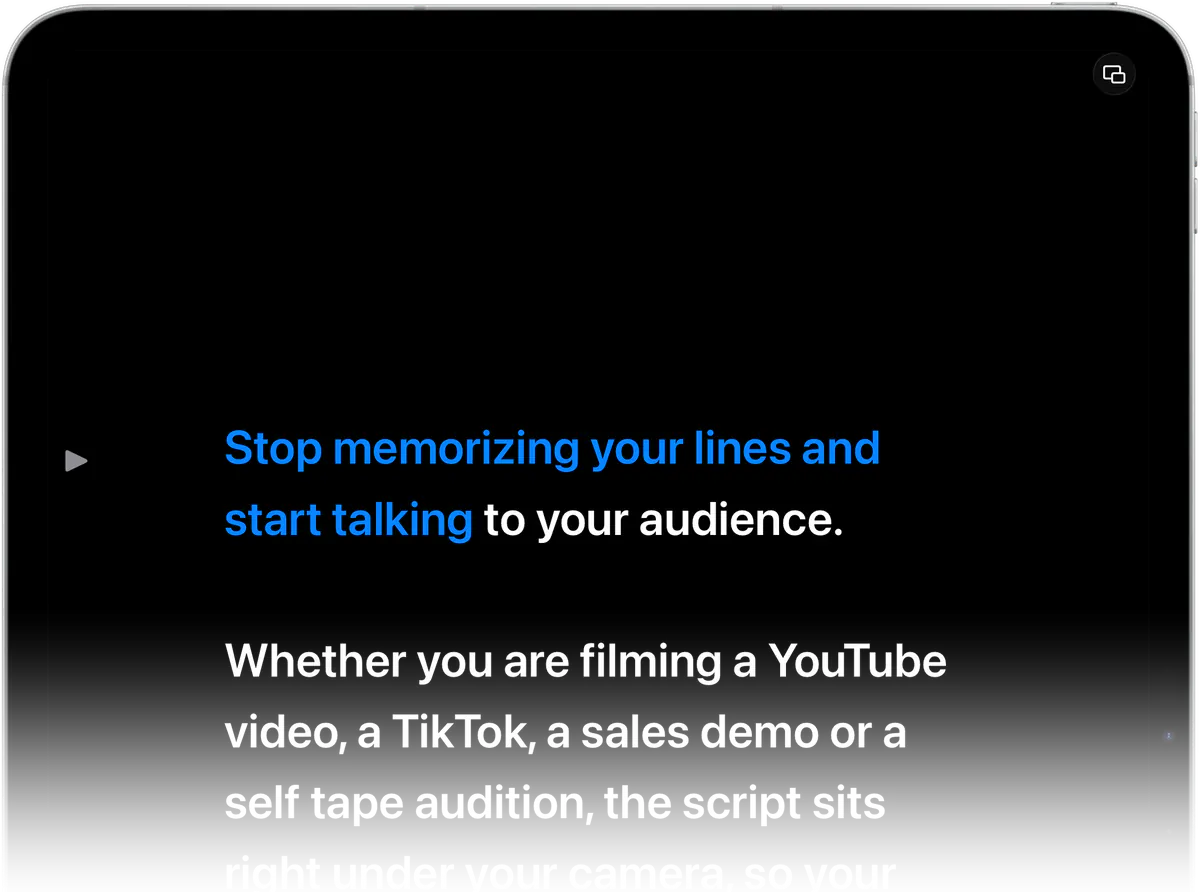
One universal Apple app
iPhone, iPad and Mac in a single app, with Apple Watch as a remote and iCloud sync keeping scripts in step across devices.
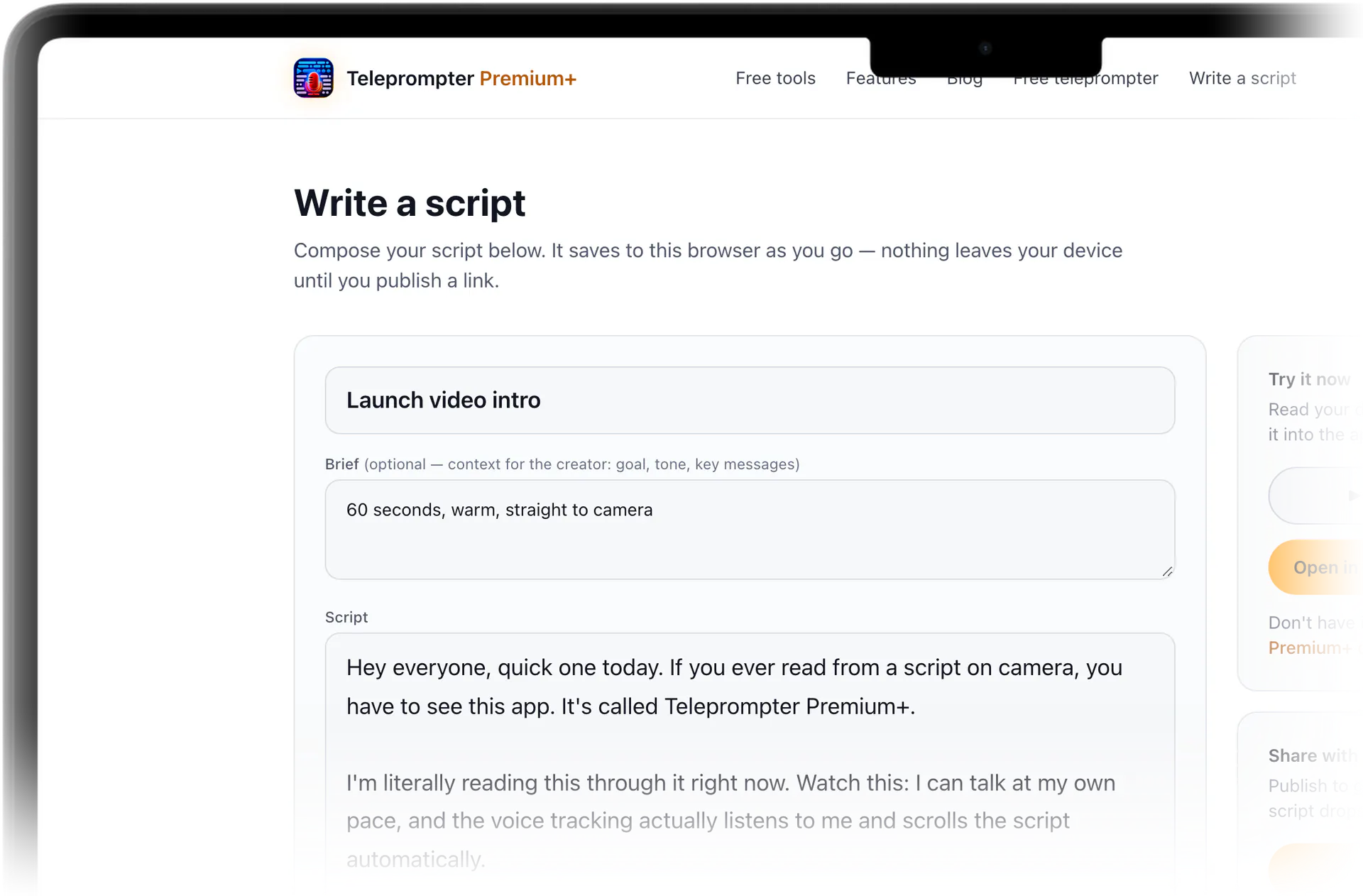
Free share-by-link editor
Write a script online and send one link; the reader can read the script on the page or open it straight inside the app, public or invite-only.
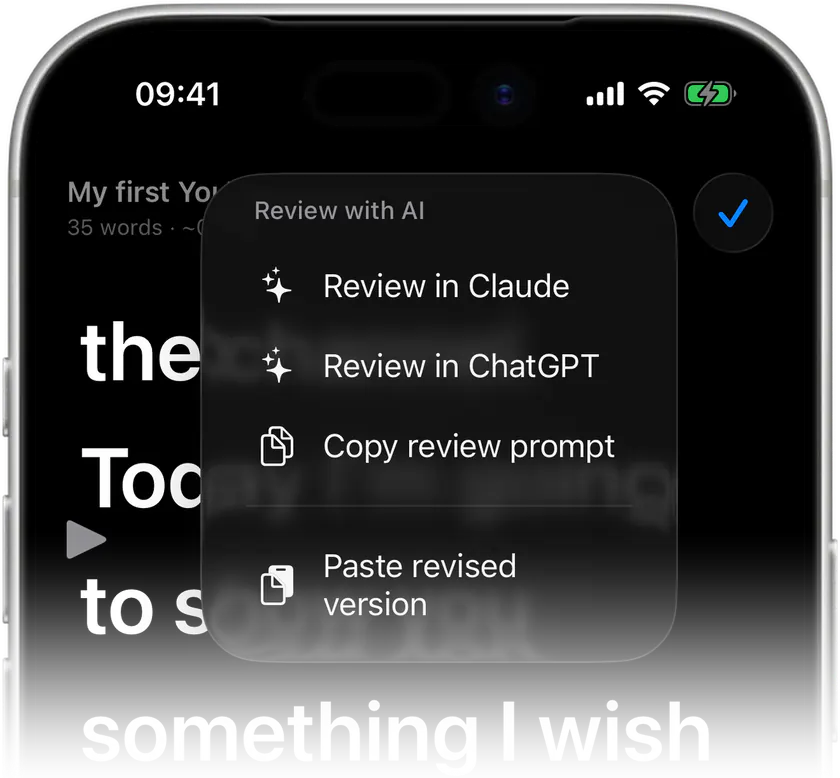
AI script review
Tightens wording for spoken delivery so lines that look fine on paper actually flow when you read them on camera.

Stop memorizing.Start talking.Download Teleprompter Premium+ now.
Paste your script into the free online teleprompter, or download Teleprompter Premium+ and let your voice drive the scroll.


Free to start · No account
Scan to get it
on your phone
Teleprompter Premium+ for iPhone, iPad, Mac, Apple Watch and Android
Frequently asked questions
- Is Teleprompter Premium+ a good PromptSmart alternative for voice tracking?
- Yes. Its core feature is voice-activated scrolling driven by on-device speech recognition, so the script follows your speech, slows when you slow down and pauses when you pause, rather than running on a fixed timer.
- Does it work on iPhone, iPad and Mac?
- It is one universal Apple app that runs on iPhone, iPad and Mac. Apple Watch can act as a remote, and iCloud sync keeps your scripts available across every device you sign in on.
- Can I use it with a teleprompter mirror or beam-splitter glass?
- Yes. Mirror mode flips the text horizontally so it reads correctly through beam-splitter teleprompter glass or in front-camera setups, which is exactly what hardware rigs need.
- Can I read a script while recording without switching apps?
- Yes. The hands-free floating overlay sits on top of your camera or recording app, so the words stay in front of you while you film in the same view.
- How does sharing a script with a creator work?
- Write or paste a script in the free online editor, publish it, and share one link. The recipient can read the script on the page, or open it straight inside the app. Sharing can be public or private by email invite.
- Can I try it before downloading?
- Yes. Try reading in the free online teleprompter on this site. Paste your own text, press play and set the speed right in the browser before you install the app.