A Native Speakflow Alternative for Apple Creators
If you came to Speakflow for a clean browser teleprompter but want something that lives natively on your iPhone, iPad, and Mac, Teleprompter Premium+ gives you the same write-in-browser convenience plus a real Apple app underneath.
Most people searching for a Speakflow alternative want one of two things: a teleprompter that does more than scroll in a browser tab, or a cleaner way to hand a script to the person actually reading it on camera. Teleprompter Premium+ covers both. You still get a free online editor to write or paste a script in seconds, but it is backed by a native Apple app that runs on iPhone, iPad, and Mac.
That native foundation is the real difference. Instead of being locked to a web page, your script syncs over iCloud across every Apple device you own, you can float the prompter over your camera app, and your speech can drive the scroll on-device. It is the same fast start, with mirror mode, voice-follow scrolling, and share-by-link built in.
Try it free in your browser
Open the free online teleprompter, paste a script, press play and set the speed. No download needed.
Why look for a Speakflow alternative
Browser-first teleprompters are great for a quick read at your desk, but they tend to stop at the edge of the tab. If you record on a phone, present from an iPad, or edit on a Mac, you end up juggling windows and copying text around. Teleprompter Premium+ removes that friction by being one universal Apple app: write on the web or in the app, and the same script is there on every device through iCloud sync.
Choosing this as your alternative does not mean giving up the things you liked about a popular tool like Speakflow. You keep the free online editor and the paste-and-go simplicity. You add native capabilities that a web page alone cannot offer, like a floating overlay that sits over your camera and a remote you control from your Apple Watch.
What Teleprompter Premium+ does differently
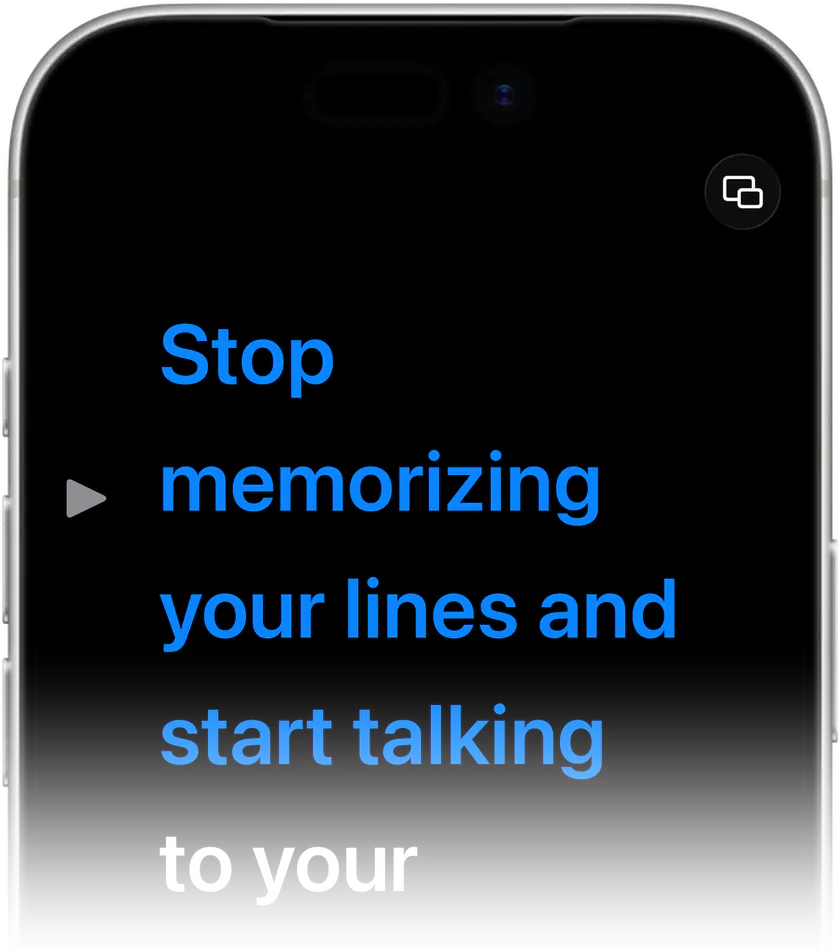
The standout features are the ones that depend on running natively on Apple hardware. Mirror mode flips your text so it reads correctly through beam-splitter teleprompter glass or in a front-camera setup. The hands-free floating overlay puts your script on top of whatever camera or recording app you are using, so you never alt-tab mid-take. And voice-activated scrolling uses on-device speech recognition to follow your pace, so the words move when you do instead of on a fixed timer.
On top of that, an AI script review tightens your wording for spoken delivery, smoothing out phrases that read fine on paper but stumble out loud. Auto-scroll speed and reading type size are both adjustable, so the prompt feels comfortable whether you are an arm's length from a phone or across the room from an iPad.
Share a script by link, read it on camera
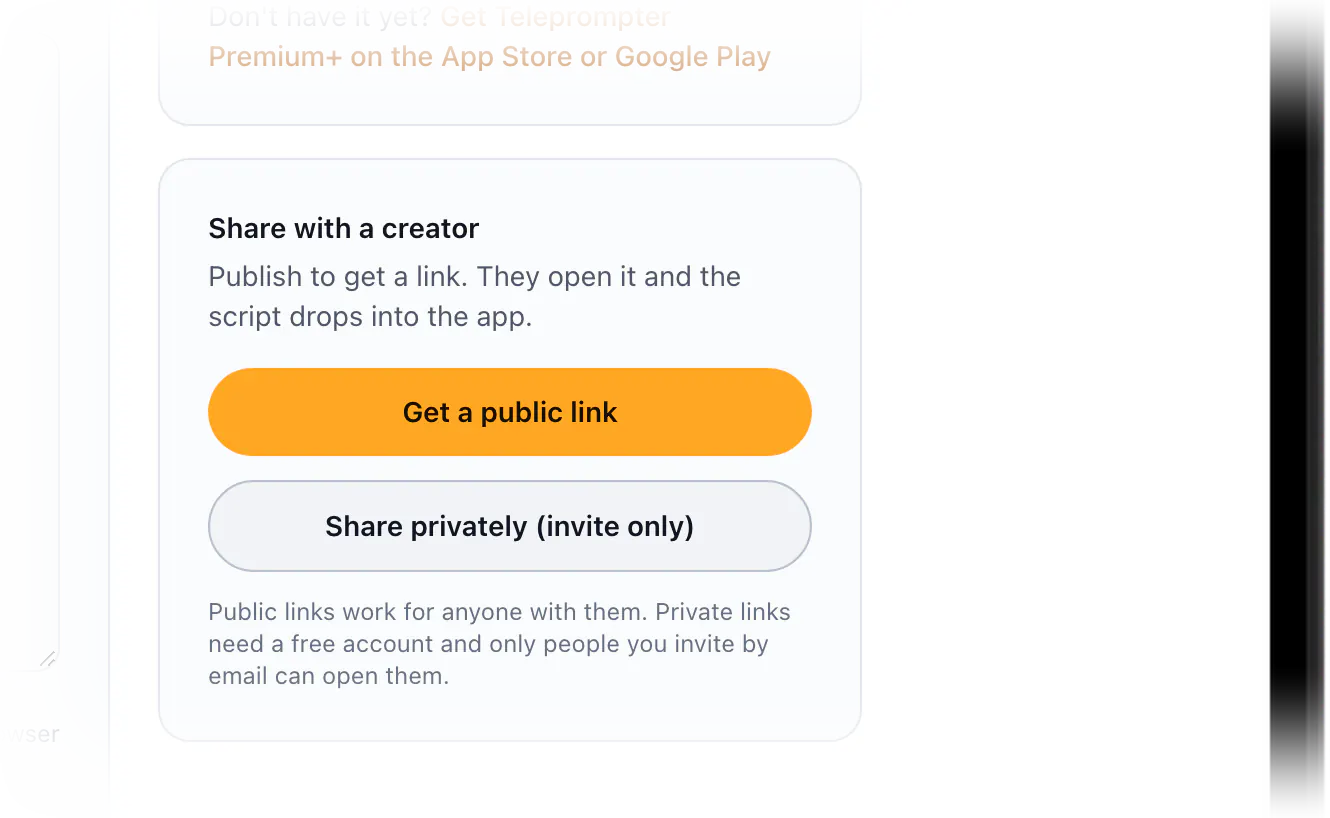
This is the workflow that sets Teleprompter Premium+ apart for teams. On the web side you write or paste a script in the browser, where it saves locally until you publish. Then you share one link. The person who opens it can read the script right there on the page with no install, or open it straight inside the app.
That makes the brand-to-creator handoff clean. A marketer writes the talking points, sends a single link, and the creator or influencer reads it on camera. You can keep a link public so anyone with it can open the script, or make it private and invite specific people by email when the script is not meant to be seen by everyone.
Try it before you switch
You do not have to take any of this on faith. Open the free online teleprompter on this site, paste your own text, start the auto-scroll and adjust the speed right in the browser, the same way you would test any online teleprompter, before you download anything.
Once it feels right, the full native app on iPhone, iPad, and Mac unlocks the overlay, voice-follow scrolling, Apple Watch remote, and iCloud sync. It is free to start, so the easiest way to compare it to your current tool is to run the same script through both.
What you get
Native on iPhone, iPad, and Mac
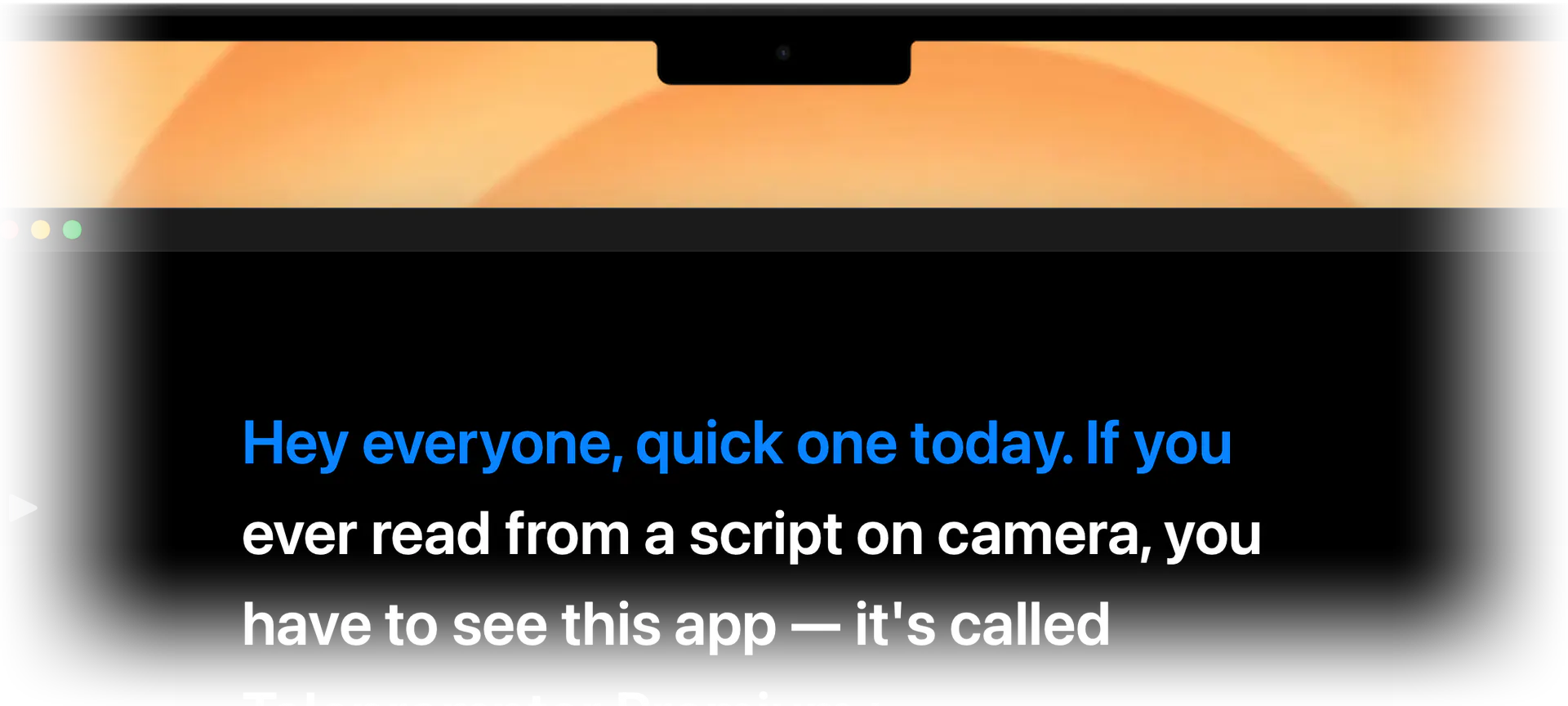
One universal Apple app instead of a browser tab. Your script follows you across devices with iCloud sync, and your Apple Watch can act as a remote.
Mirror mode for teleprompter glass
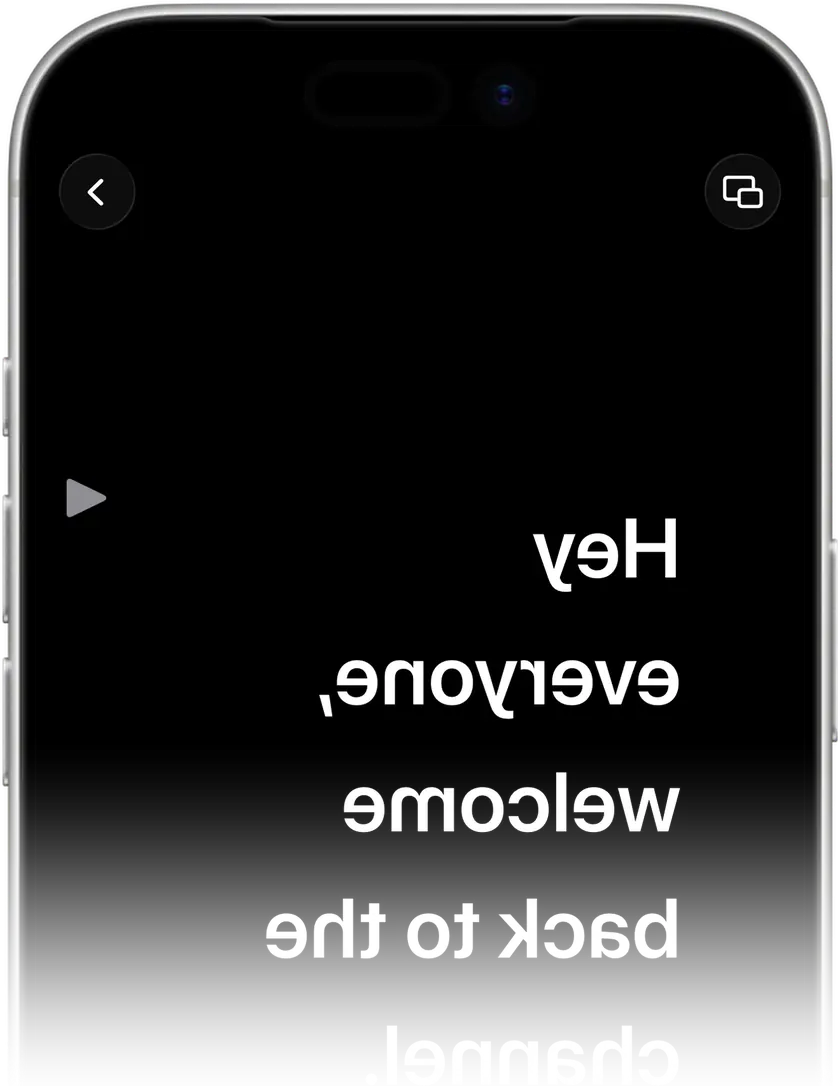
Flips your text so it reads correctly through beam-splitter teleprompter hardware or in a front-camera setup, something a plain web reader cannot do.
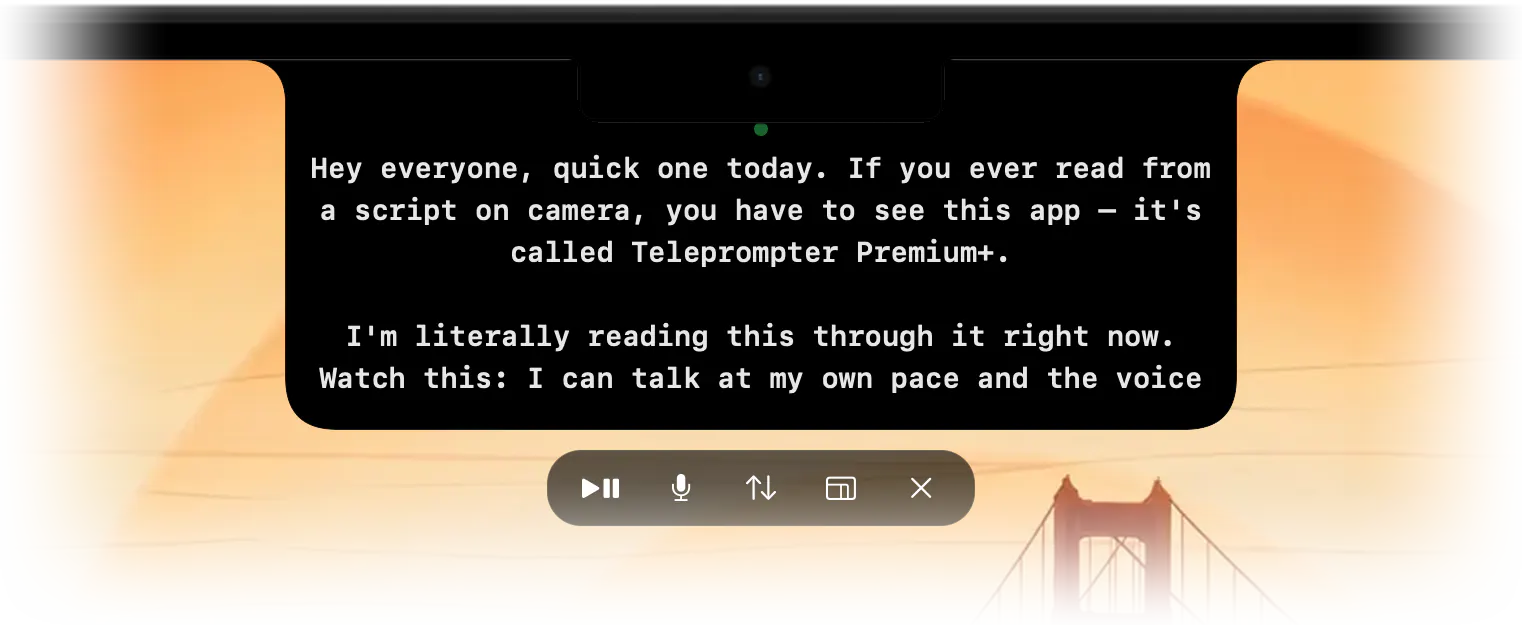
Hands-free floating overlay
A prompter that floats over your camera or recording app, so you read and record in one place without switching windows mid-take.
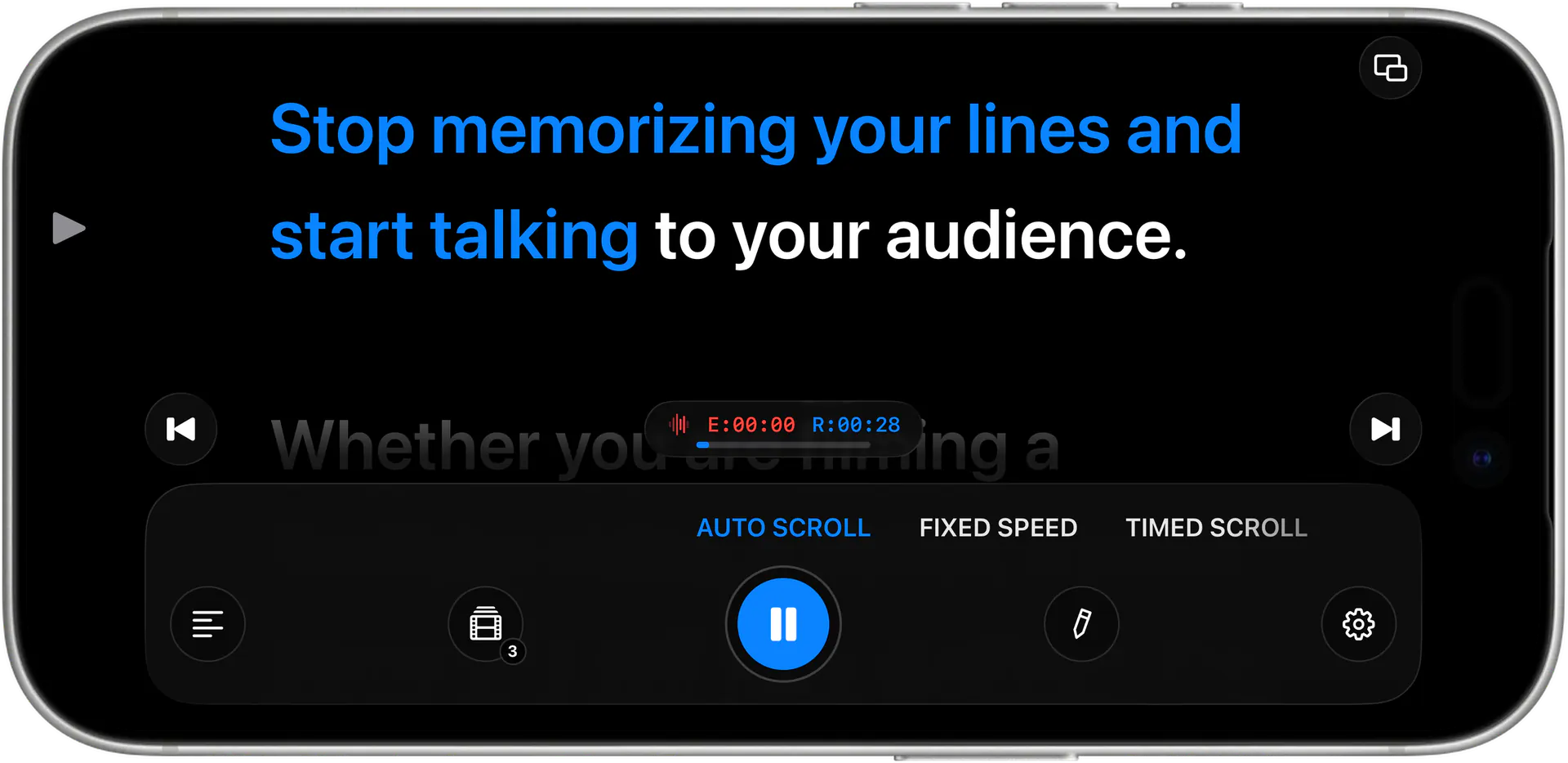
Voice-activated scrolling
On-device speech recognition follows your speech and moves the script at your pace, instead of forcing you to match a fixed timer.
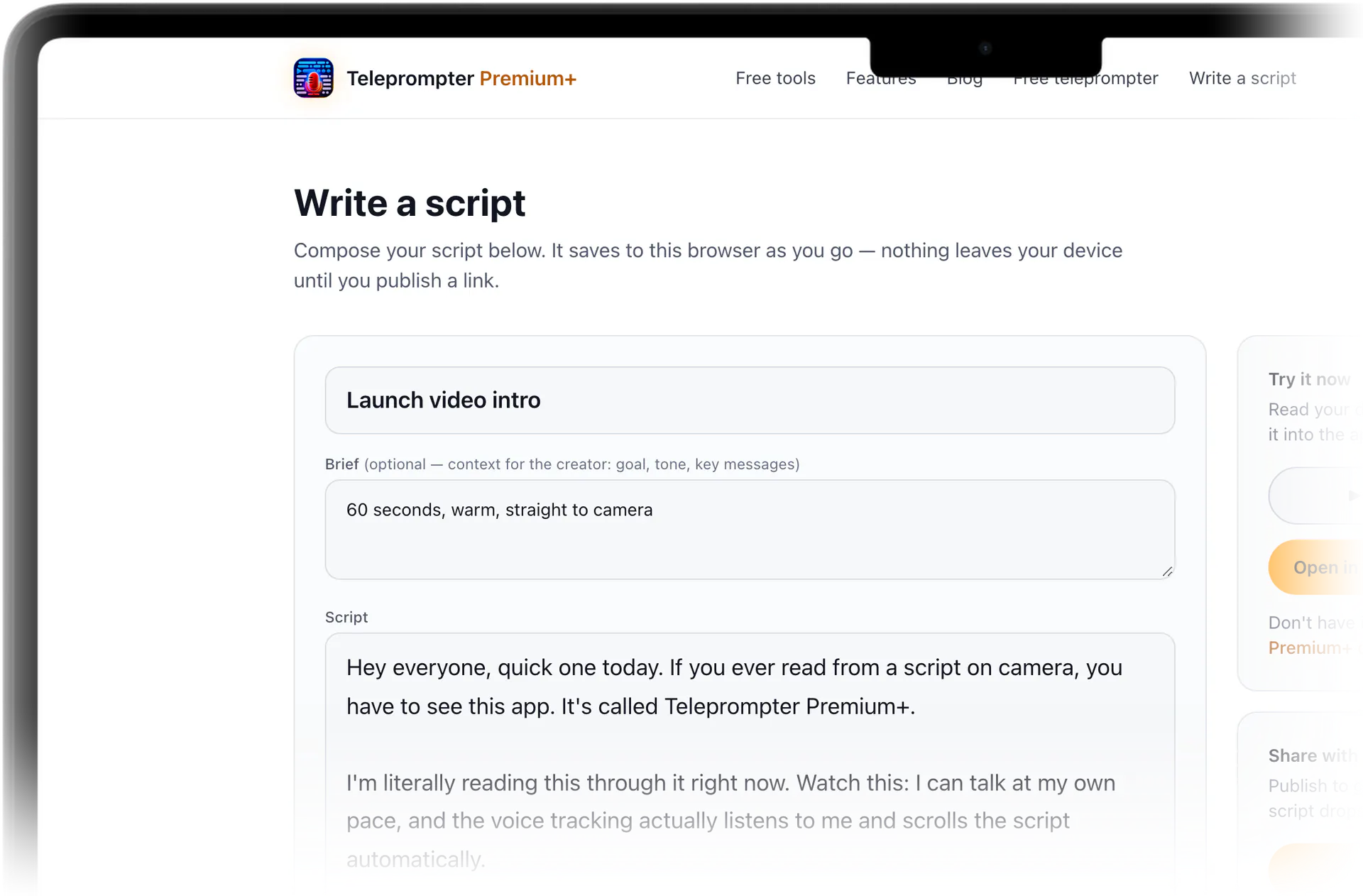
Free online editor with share-by-link
Write or paste a script in the browser, then share one link. The recipient can read the script on the page, or open it straight inside the app.
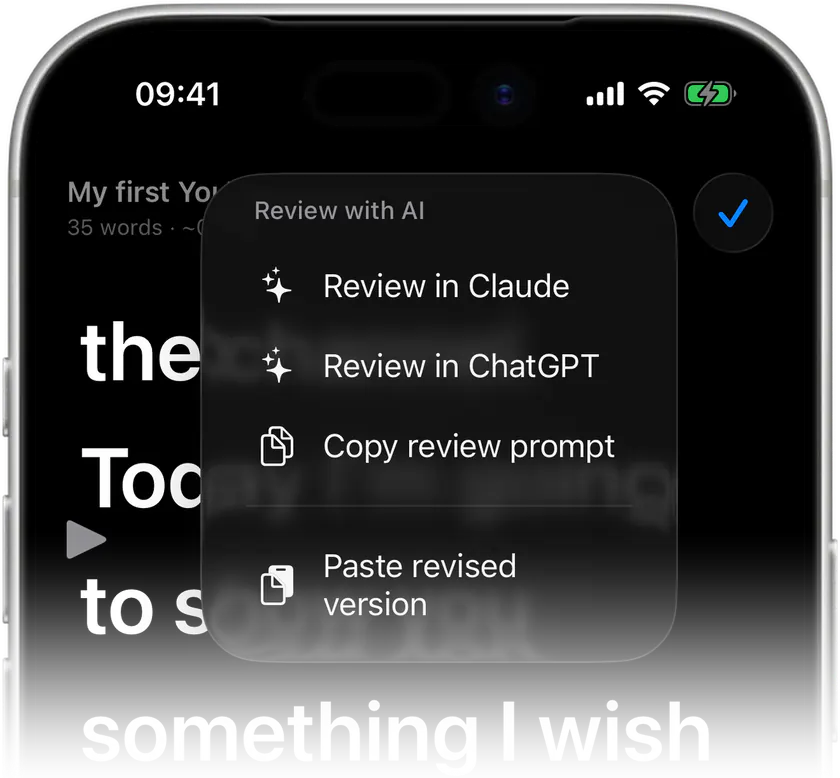
AI script review for spoken delivery
Tightens wording so your lines sound natural out loud, catching phrases that read smoothly but trip you up on camera.

Stop memorizing.Start talking.Download Teleprompter Premium+ now.
Write a script in your browser now, then read it on camera with the native Apple app, free to start.


Free to start · No account
Scan to get it
on your phone
Teleprompter Premium+ for iPhone, iPad, Mac, Apple Watch and Android
Frequently asked questions
- Is Teleprompter Premium+ a good Speakflow alternative?
- If you live in the Apple ecosystem, yes. It keeps the free online editor and paste-and-go simplicity you would expect, and adds a native iPhone, iPad, and Mac app with mirror mode, a floating camera overlay, voice-follow scrolling, and iCloud sync that a browser-only tool cannot match.
- Can I use it as an online teleprompter without installing anything?
- Yes. Paste a script into the free online teleprompter on this site and test auto-scroll and speed right in your browser. Scripts you write or paste save locally until you publish, so you can start writing and reading on the web before downloading the app.
- How does sharing a script work?
- You write a script in the browser and share a single link. Whoever opens it can read the script on the page, or open it straight inside the app. You can keep the link public for anyone who has it, or make it private and invite specific people by email.
- Does it work for the brand-to-creator handoff?
- That is exactly what the share-by-link flow is built for. A marketer writes the script, sends one link, and the creator or influencer reads it on camera. No copy-pasting across apps and no shared logins, just a link that opens the script ready to read.
- What can the app do that a browser teleprompter can't?
- Three things stand out: a floating overlay that sits over your camera app, voice-activated scrolling powered by on-device speech recognition, and iCloud sync across iPhone, iPad, and Mac with an Apple Watch remote. Those rely on running natively on Apple hardware.
- Is it free to start?
- Yes, it is free to start. You can write or paste a script, try it in the free online teleprompter on this site, and test auto-scroll and speed right away, then download the native Apple app whenever you want the overlay, voice-follow, and sync features.