A Teleprompter for YouTube That Keeps You Looking at the Lens
Read your script word-for-word while staying locked on camera. Teleprompter Premium+ runs natively on iPhone, iPad, and Mac, with a floating overlay, mirror mode, and voice-activated scrolling built for YouTube creators.
If you record YouTube videos, you already know the problem: glance down at notes and you break eye contact, freeze on a take, and burn another twenty minutes re-recording. A teleprompter for YouTube fixes that by scrolling your script at reading speed right where the camera is, so every line lands with you looking straight down the lens.
Teleprompter Premium+ is a native Apple app made for exactly this. Write or paste your script, set the type size and scroll speed, and read naturally while it follows along. It runs on iPhone, iPad, and Mac as one universal app, with mirror mode for beam-splitter glass and a floating overlay that sits right over your camera app. You can try reading your script in the free online teleprompter on this site before you download a thing.
Try it free in your browser
Open the free online teleprompter, paste a script, press play and set the speed. No download needed.
How a teleprompter for YouTube actually works
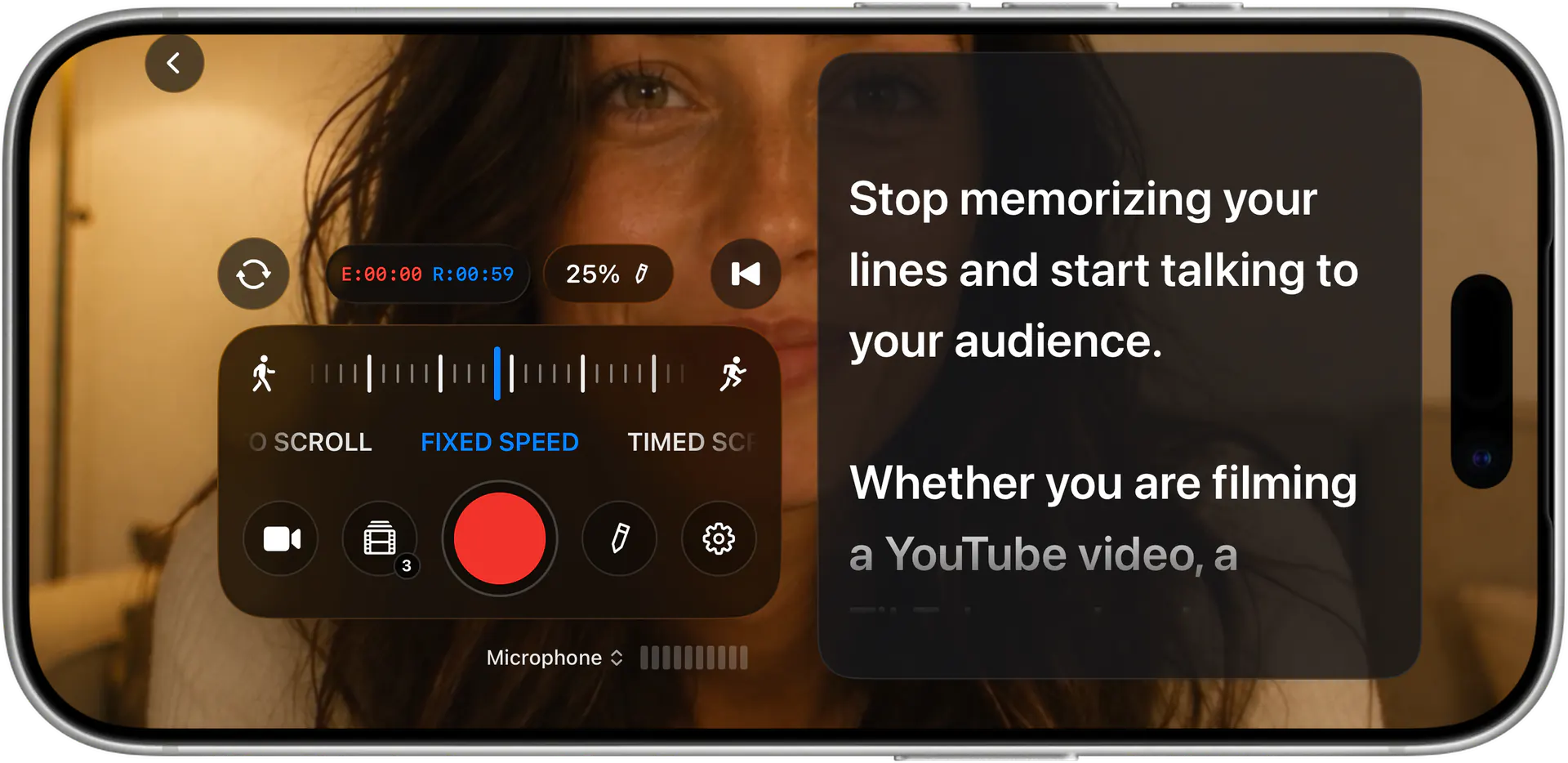
The core idea is simple: your script scrolls upward at a steady, adjustable pace while you talk, so you never lose your place and never have to memorize. Teleprompter Premium+ gives you smooth auto-scroll with speed you control, plus large reading type you can size up until it's legible from across the room. The further your camera sits, the bigger you set the text.
Where it gets powerful for YouTube is the delivery options. Use the floating overlay to keep your script hovering over your recording app so your eyes stay near the lens. Turn on voice-activated scrolling and the script follows your actual speech using on-device recognition, so it waits when you pause, speeds up when you do, and never races ahead. That's the difference between a robotic read and a natural take.
Pick the setup that matches your YouTube rig
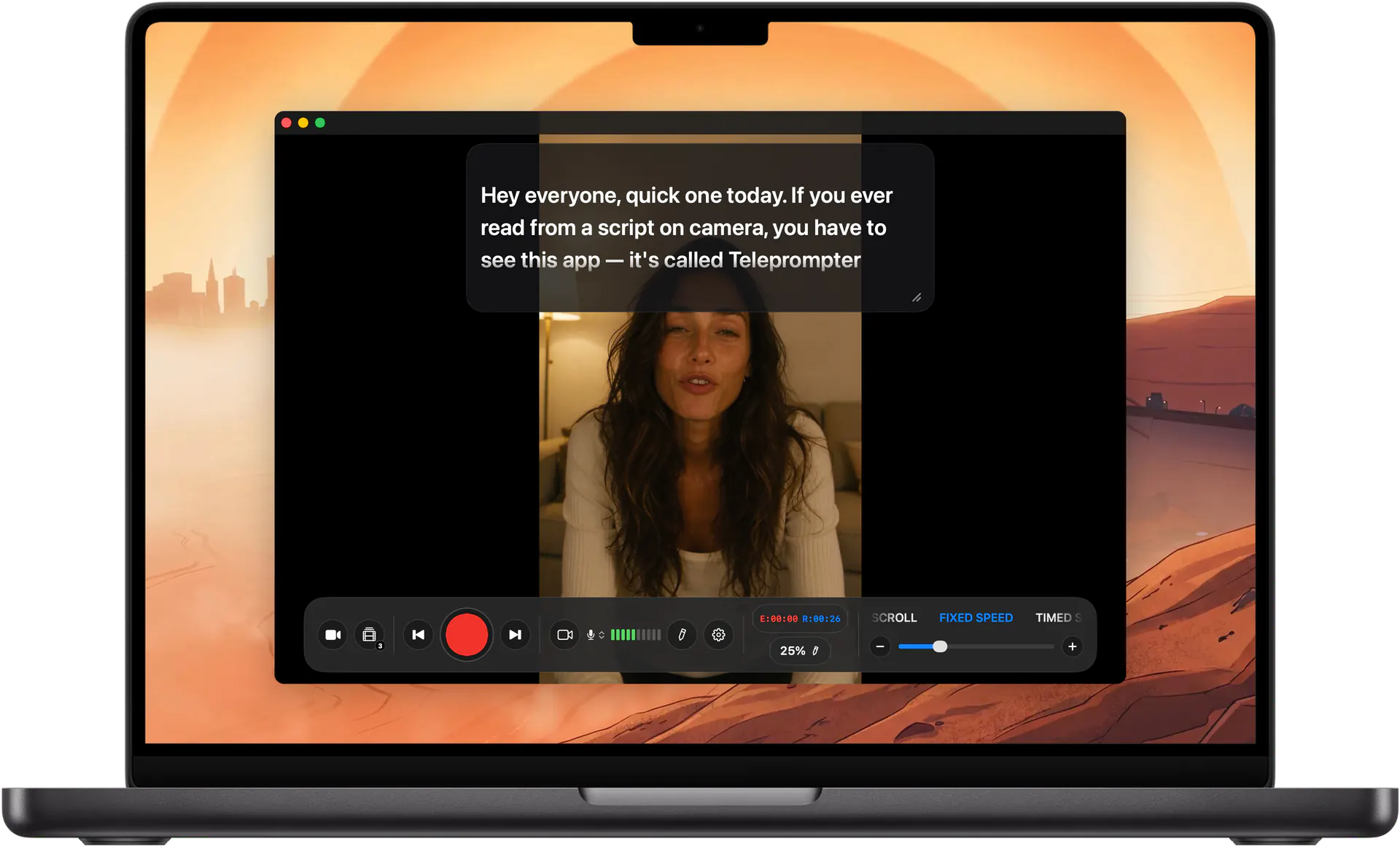
Filming on your phone? Prop up your iPhone, open the floating overlay over the camera, and read straight off the screen, your Apple Watch can act as a remote to start, stop, and pause without reaching for the device. Shooting on a dedicated camera with a beam-splitter teleprompter? Run the app on an iPad below the lens and switch on mirror mode so the flipped text reads correctly through the glass.
Recording a talking-head segment at your desk? The Mac version puts the prompter on your big screen while you record with a webcam or capture card, and iCloud sync means the script you wrote on your phone during your commute is already waiting on the Mac. One app, every Apple device, the same script everywhere.
Write the script on the web, read it on camera
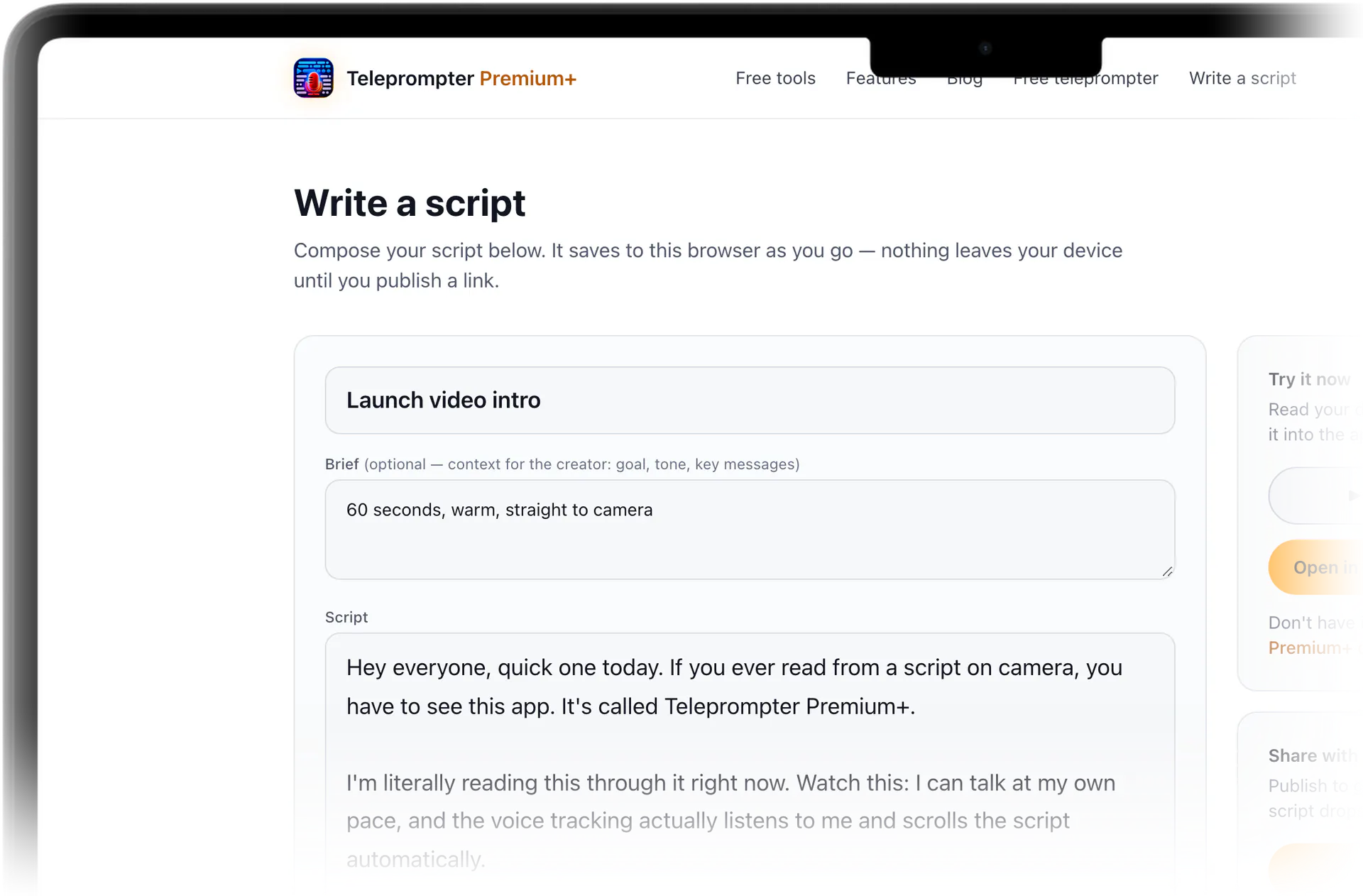
This site includes a free online teleprompter and script editor. Open it in any browser, write or paste your YouTube script, and it saves locally until you're ready to publish. No download required to draft and rehearse: paste the script into the teleprompter and test auto-scroll and speed right now.
When the script is ready, share one link. The recipient can read the script on the page, or open it straight inside the app on their device. That handoff is built for teams: a brand or marketer writes the script and sends a link, and the creator or influencer reads it on camera, no copy-paste, no file attachments. Sharing can be public for anyone with the link, or private by inviting specific people by email.
Tips for a natural YouTube read
Set your type large and your scroll speed slightly slower than feels comfortable, it's easier to wait for the next line than to chase one that's gone. Break long sentences into shorter ones with line breaks so your eyes catch full thoughts at a glance, and keep the camera as close to the text as you can so your gaze stays on the lens.
Before you record the real thing, run the AI script review. It tightens wording for spoken delivery, trimming the phrases that read fine on paper but trip you up out loud. Pair it with voice-activated scrolling for your first full take and you'll spend far less time fighting the pace and more time actually performing to camera.
What you get
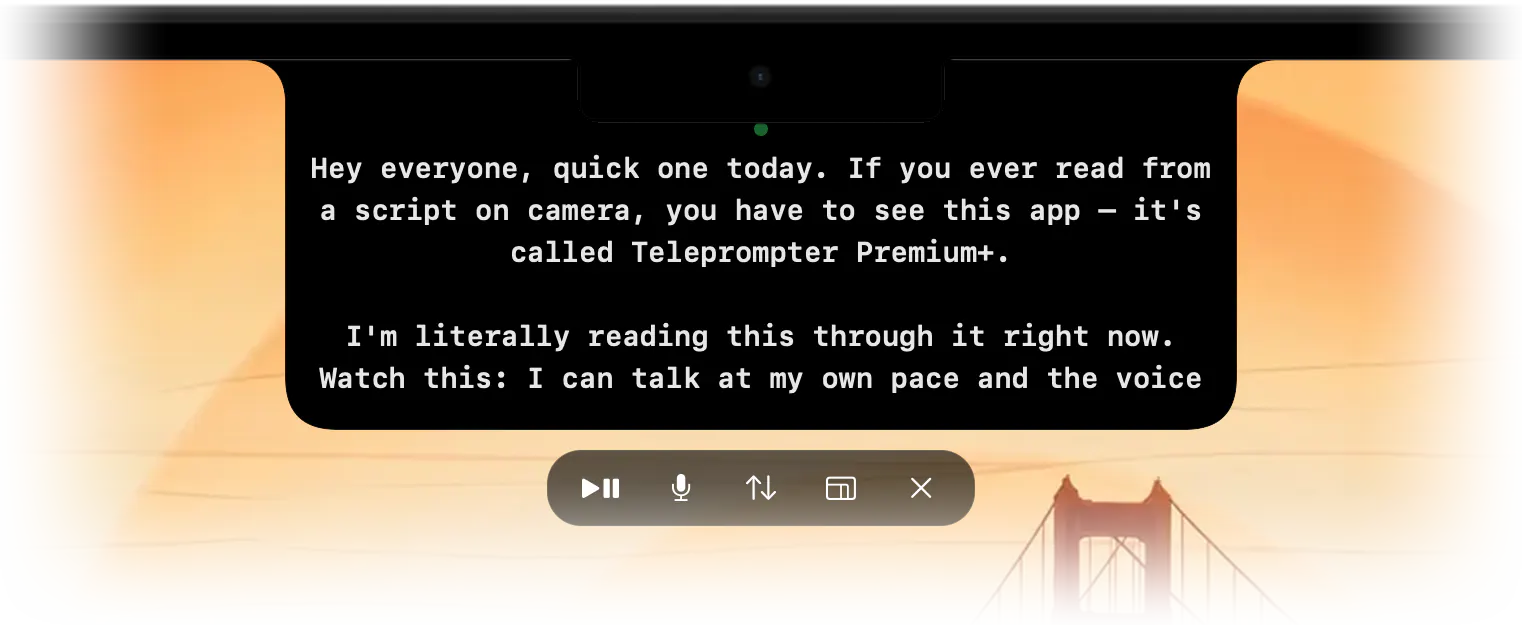
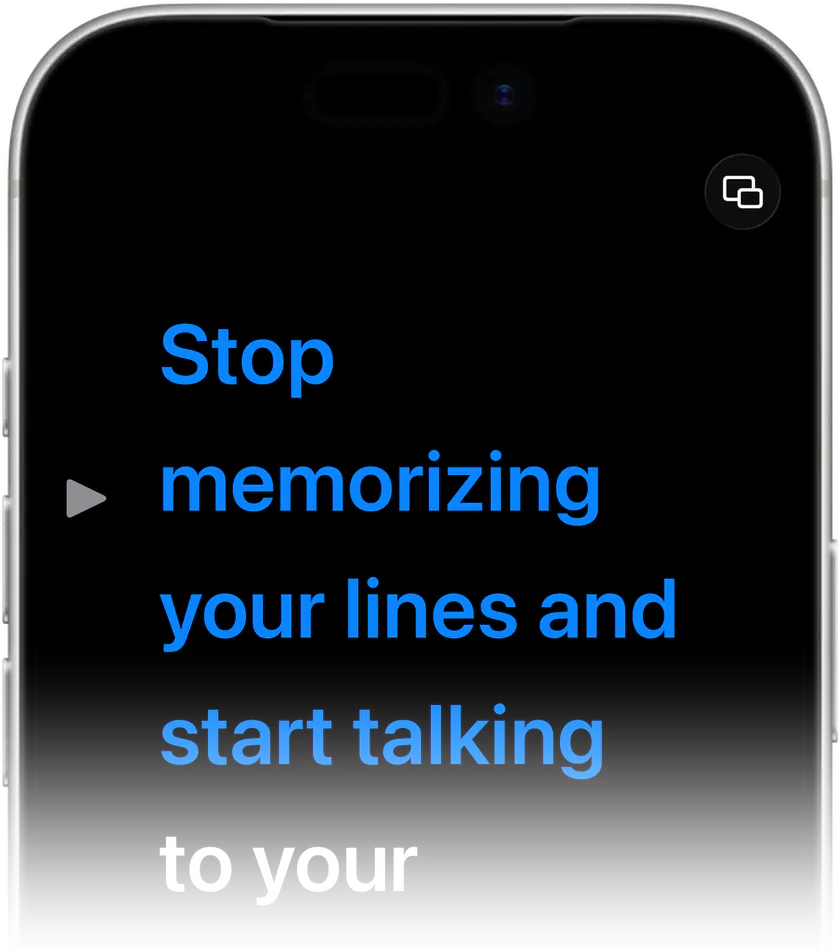
Floating overlay over your camera
A hands-free prompter that sits on top of your camera or recording app, so your script stays right next to the lens and your eyes stay on your audience.
Voice-activated scrolling
On-device speech recognition follows your voice as you talk, waiting when you pause and keeping pace when you speed up, no foot pedal or manual scrubbing needed.
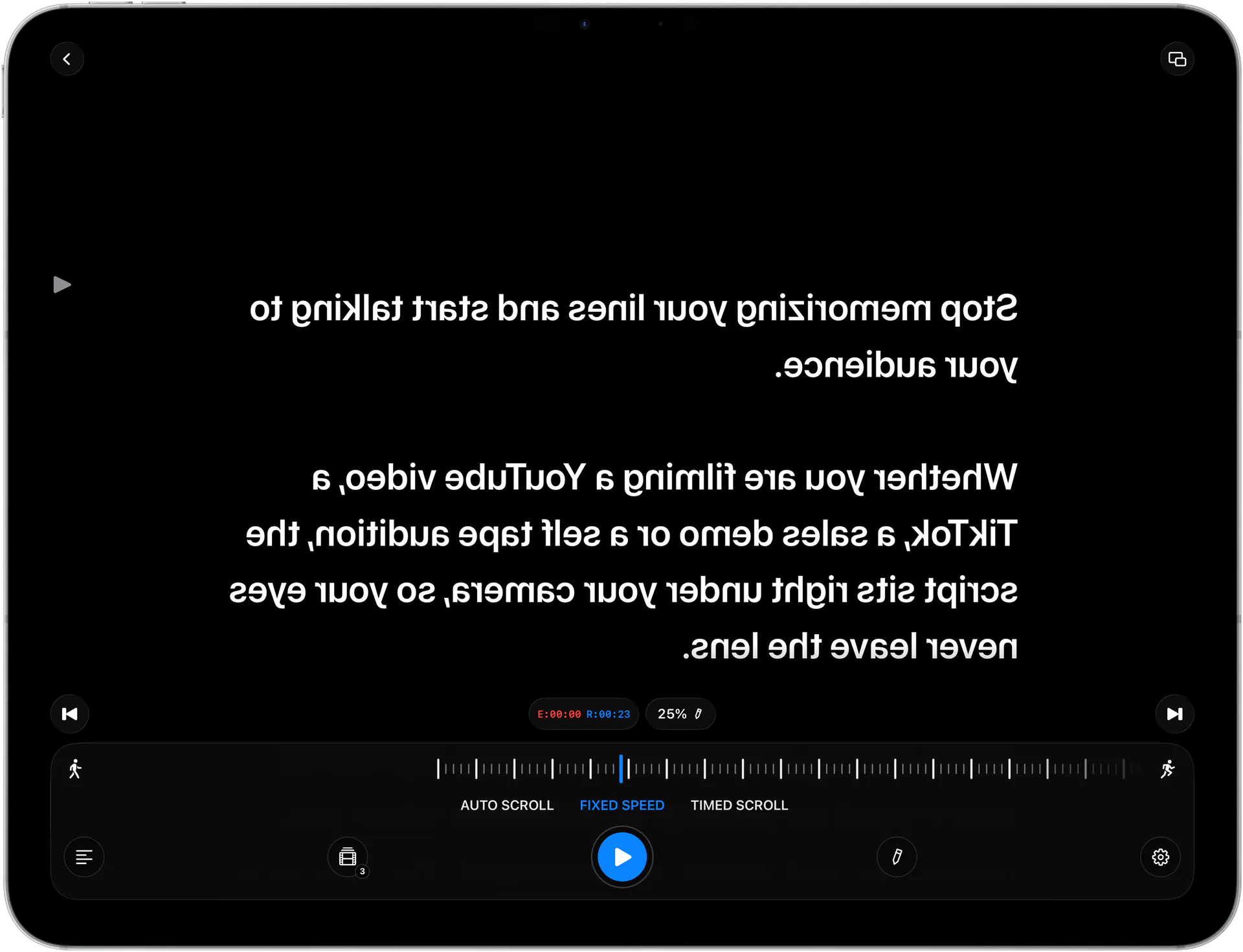
Mirror mode for teleprompter glass
Flips your text horizontally for beam-splitter teleprompter rigs and front-camera setups, so it reads correctly through the glass.
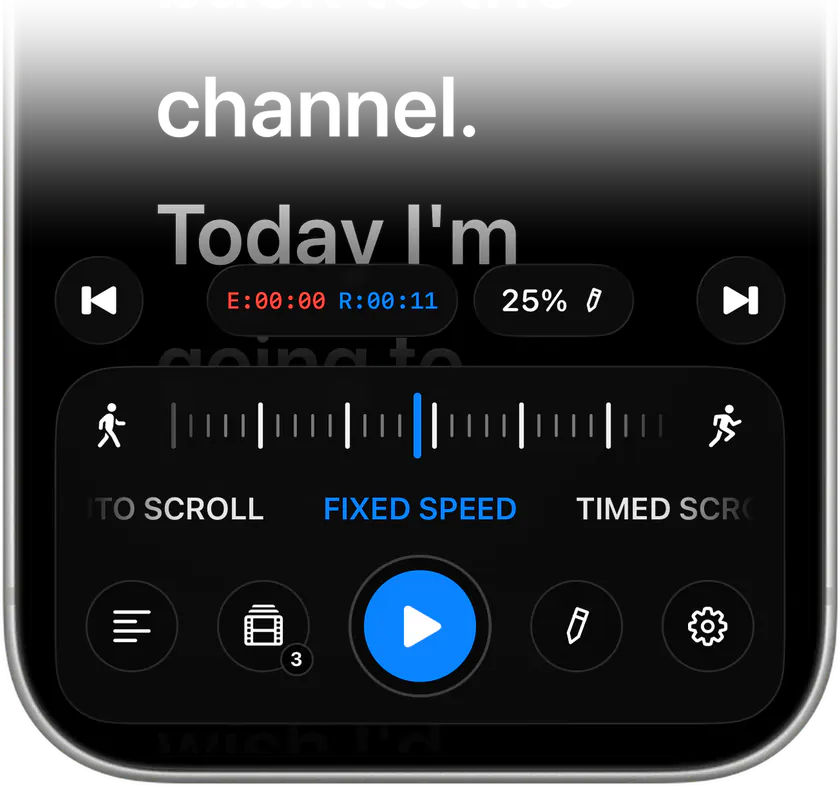
Smooth, adjustable auto-scroll
Steady scrolling with speed and large, adjustable reading type you control, dialed in for the distance between you and your camera.
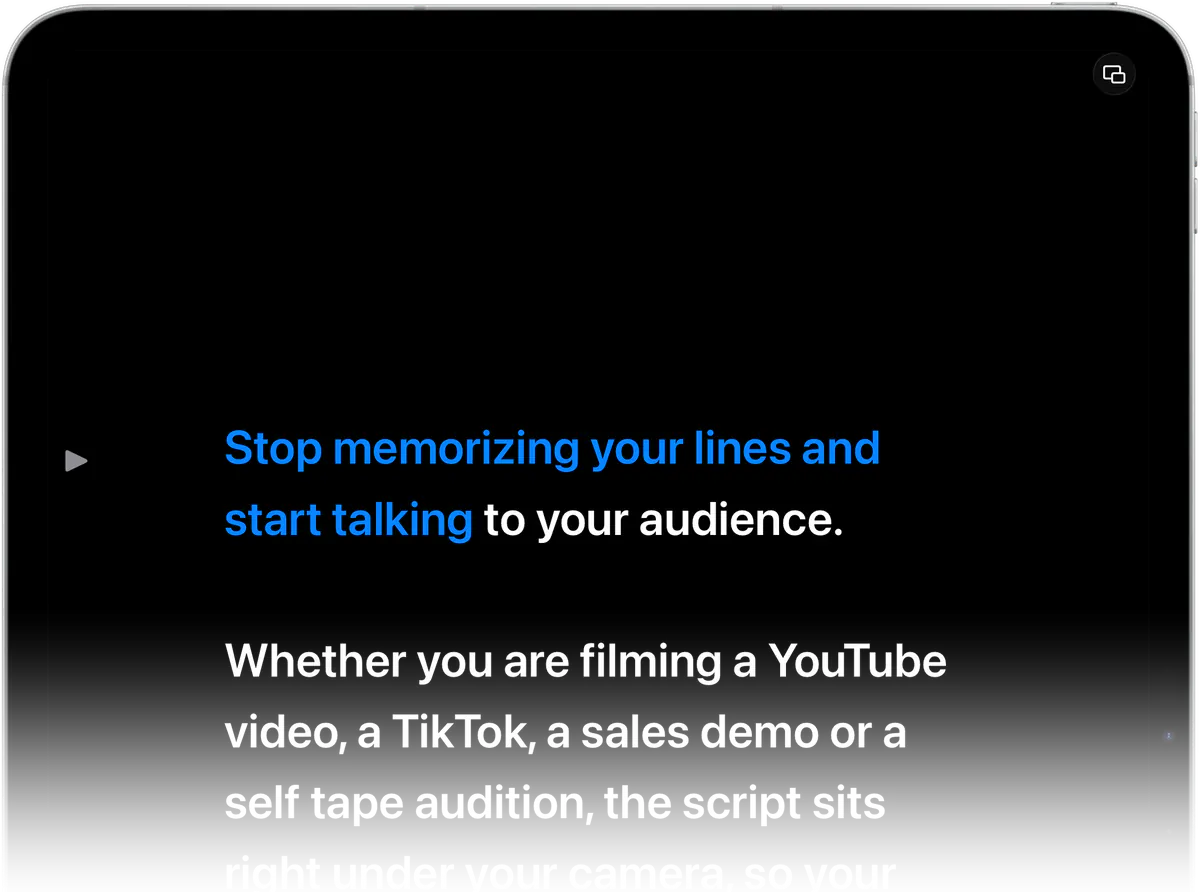
One app on iPhone, iPad, and Mac
A single universal Apple app with iCloud sync, plus Apple Watch as a remote to start, stop, and pause your script without touching the device.
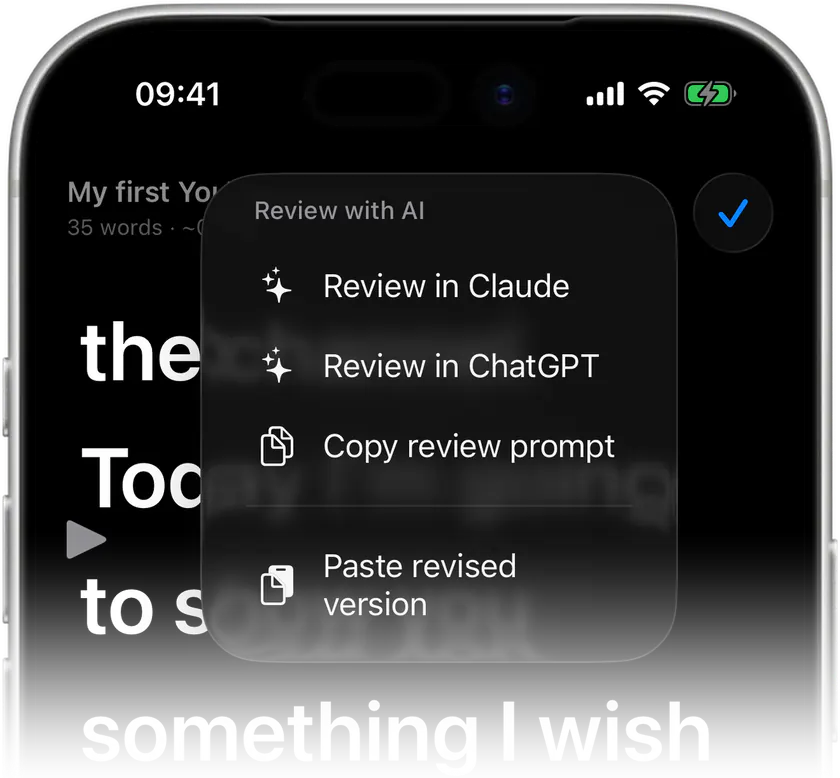
AI script review for spoken delivery
Tightens your wording so it sounds natural read aloud, cutting the clunky phrases that slow down a YouTube take.

Stop memorizing.Start talking.Download Teleprompter Premium+ now.
Write your script in the browser, test the auto-scroll free online, then download Teleprompter Premium+ and nail your next YouTube take.


Free to start · No account
Scan to get it
on your phone
Teleprompter Premium+ for iPhone, iPad, Mac, Apple Watch and Android
Frequently asked questions
- What's the best teleprompter for YouTube videos on iPhone?
- Teleprompter Premium+ is built for it. The floating overlay lets you keep your script over the camera while you record on your iPhone, and your Apple Watch can act as a remote to start, stop, and pause. You can also try reading your script in the free online teleprompter on this site first.
- Can I use a teleprompter for YouTube without special hardware?
- Yes. You don't need a beam-splitter rig. Just prop up your iPhone or iPad, open the floating overlay over your camera app, and read off the screen. If you do use teleprompter glass, switch on mirror mode so the flipped text reads correctly.
- Will the teleprompter scroll at my speaking pace automatically?
- It can. Turn on voice-activated scrolling and the app follows your speech using on-device speech recognition, waiting when you pause and keeping up when you talk faster. You can also use manual auto-scroll with an adjustable speed if you prefer a fixed pace.
- How do I send a script to a creator to read on camera?
- Write or paste it in the free online editor on this site, then share one link. The creator can read the script on the page, or open it straight inside the app. You can make the link public for anyone, or private by inviting specific people by email.
- Does it work on iPad and Mac too, or just iPhone?
- It's one universal app across iPhone, iPad, and Mac. Many YouTubers run it on an iPad below a camera, or on a Mac for desk-based talking-head recording. iCloud sync keeps the same script ready on every device.
- Is there a free way to try it before I commit?
- Yes, it's free to start, and this site has a free online teleprompter you can use right away. Paste your text into it and test auto-scroll and speed right in your browser.