Feature
Record video while the teleprompter scrolls
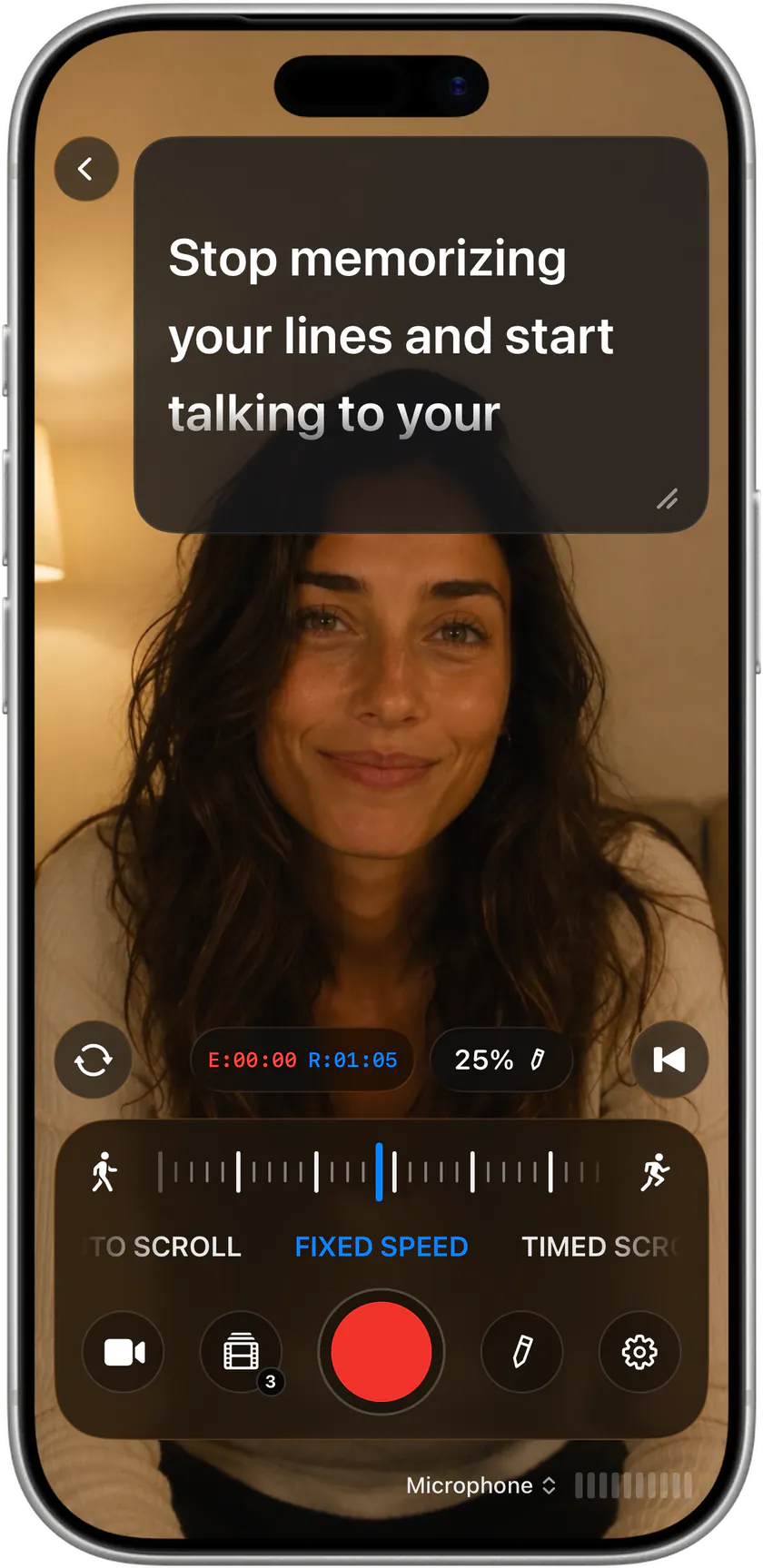
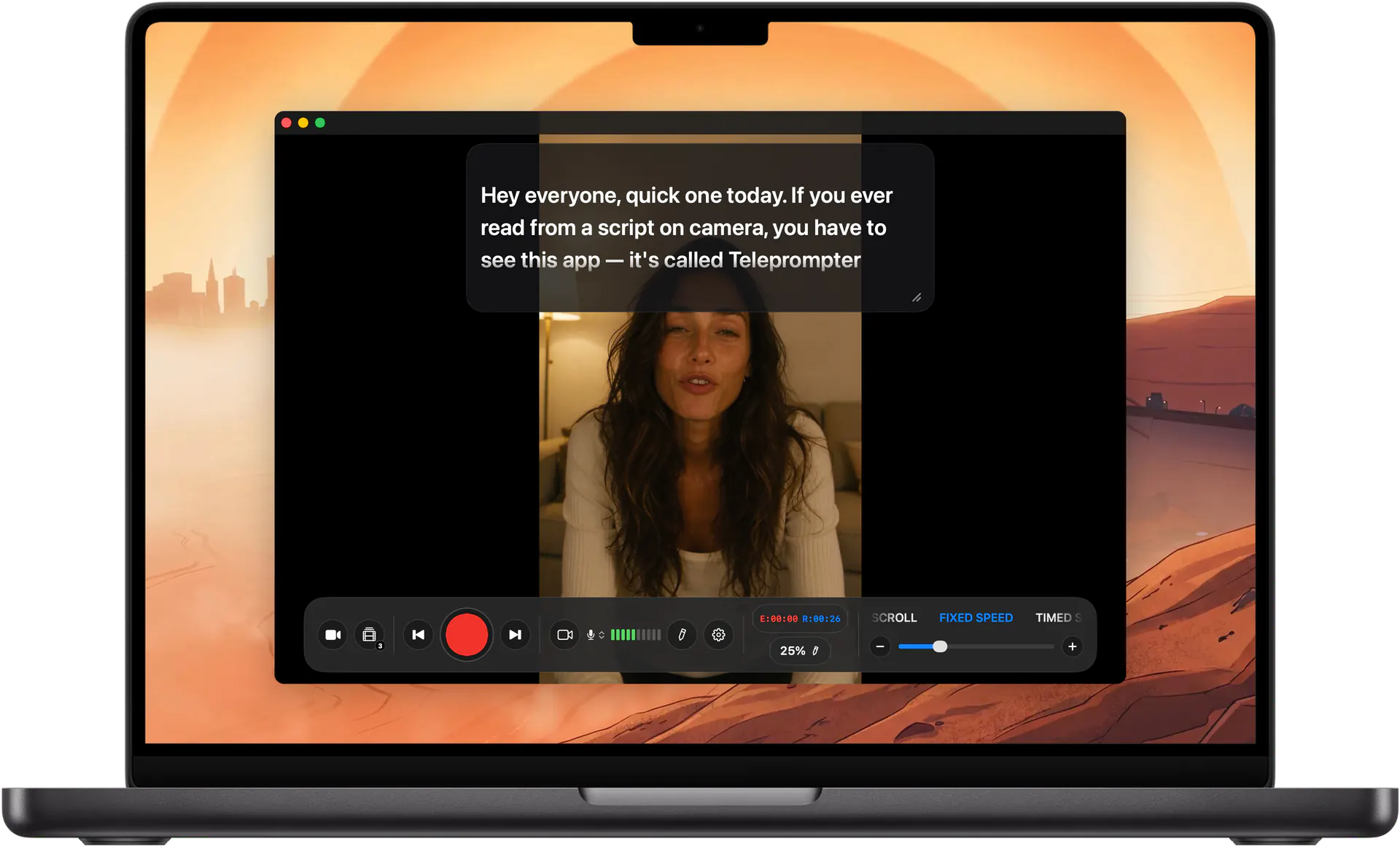
The script floats over the live camera preview, right next to the lens. Hit record, get a countdown, and read straight to camera.
Everything in one screen
- Script overlaid on the live camera preview.
- Front or rear camera.
- Countdown before scrolling so you can get into position.
- Elapsed and remaining time, live, with a progress bar.
- Works with voice scrolling, so the text follows you while you record.
Front camera tip
Put the scrolling text as close to the top of the screen as possible. The closer the reading line is to the lens, the less your eyes drift, and viewers can't tell you're reading.

Stop memorizing.Start talking.Download Teleprompter Premium+ now.
No account, no ads. Your scripts stay in your iCloud.


Free to start · No account
Scan to get it
on your phone
Teleprompter Premium+ for iPhone, iPad, Mac, Apple Watch and Android
Frequently asked questions
- Can I use the rear camera?
- Yes. Use the rear camera with a beam splitter rig for the best quality, and turn on mirror mode.